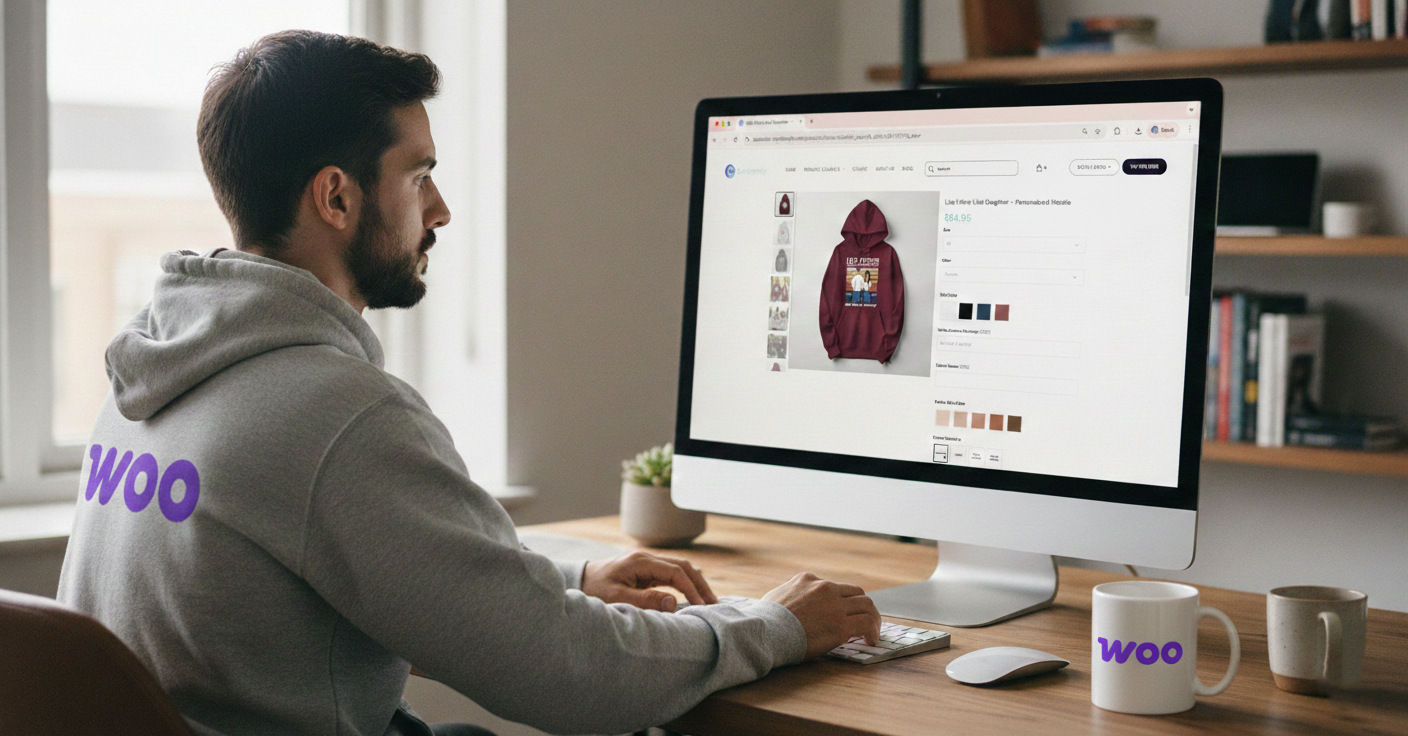
Table of Contents
Personalize your Shopify products
Install for freeSearching for the best WooCommerce product customizer for your Print on Demand store?
If you are selling personalized products on WooCommerce, your product customization plugin is not just a feature. It is your core revenue engine.
The right WooCommerce product customizer increases conversions, automates production, and reduces costly errors. The wrong one creates manual work, slows your site, and limits scalability.
In this complete 2026 guide, you will learn:
- What makes a WooCommerce personalization plugin truly POD-ready
- How different WooCommerce product customization plugins compare
- Why growing stores outgrow basic plugins
- How Customily works inside WooCommerce
- Key features, pricing insights, and installation steps
If your goal is to scale personalized Print on Demand products on WooCommerce, this is the guide you need.
What Makes a WooCommerce Product Customizer Truly Print on Demand Ready? 🎯
Not every WooCommerce product customization plugin is built for Print on Demand.
Many plugins simply add text input fields to a product page. While this may technically allow personalization, it does not provide a modern buying experience or operational efficiency.
A serious WooCommerce product customizer for POD must include:
- Real-time product preview on the product page
- Dynamic text editing with font and color switching
- Image upload with automatic positioning
- Multiple personalization areas
- Mobile-optimized interface
- Automated print-ready file generation
- Direct integration with WooCommerce orders
Why does this matter? Because manual steps destroy scalability.
If you still download customer uploads, manually adjust artwork, and export files to your fulfillment partner, your WooCommerce Print on Demand workflow is not optimized.
A true WooCommerce personalization plugin should automate everything between checkout and production.
Comparing WooCommerce Product Customization Plugins
When evaluating the best WooCommerce product customizer plugin, most options fall into three categories.
1. Basic WooCommerce Custom Fields Plugins
These plugins add text boxes, dropdowns, or file uploads.
They are easy to install and low cost. However:
- No live preview
- High risk of spelling errors
- Manual production workflow
- Poor customer confidence
They may work for simple engraving businesses, but they are not ideal for scalable WooCommerce Print on Demand stores.
2. WooCommerce Visual Product Designer Plugins
Visual designer plugins allow customers to customize products inside a design canvas.
This improves engagement, but often introduces:
- Heavy scripts that slow down WooCommerce
- Poor mobile performance
- Limited automation
- Manual print file preparation
Some stores use these temporarily, but performance issues often appear when scaling traffic with ads.
3. Dedicated WooCommerce Personalization Engines for POD
This is the infrastructure layer serious WooCommerce personalized product sellers use.
A dedicated WooCommerce personalization engine:
- Delivers seamless real-time previews
- Automatically generates print-ready files
- Connects production files directly to WooCommerce orders
- Supports complex personalization logic
- Handles seasonal traffic spikes
If you are running paid ads or planning Q4 campaigns, this level of automation is essential.
High-Converting WooCommerce Personalization Use Cases 💡
The best WooCommerce product customizer is only valuable if it supports products that convert.
Top-performing personalized products on WooCommerce include:
- Name mugs and tumblers
- Photo canvas prints
- Family wall art with multiple names
- Birth flower jewelry
- Personalized holiday ornaments
- Custom pet portraits
- Couple or anniversary gifts
What makes these successful? They are emotionally driven, giftable, and easy to personalize with a live preview.
When customers see exactly how their product will look before checkout, conversion rates increase significantly and refund rates drop.
This is why WooCommerce stores selling personalized products consistently outperform generic POD stores.

Why Growing WooCommerce Stores Outgrow Basic Customizer Plugins
Many sellers start with simple customization plugins. It works at first.
Then growth begins. Orders increase. Ad campaigns drive traffic. Seasonal demand spikes.
Suddenly:
- Manual file editing becomes overwhelming
- Production errors increase
- Customer service tickets rise
- Page speed slows
- Mobile conversions drop
At this stage, the problem is no longer features. It is infrastructure. Scaling personalized products on WooCommerce requires automation and performance optimization.
If your WooCommerce product customization plugin creates more operational work as you grow, it is limiting your business.
How Does Customily WooCommerce Product Customizer Work?
Customily is built specifically as a WooCommerce product customizer for personalized Print on Demand businesses.
It transforms personalization from a simple form field into a complete automated workflow.
Here is how it works:
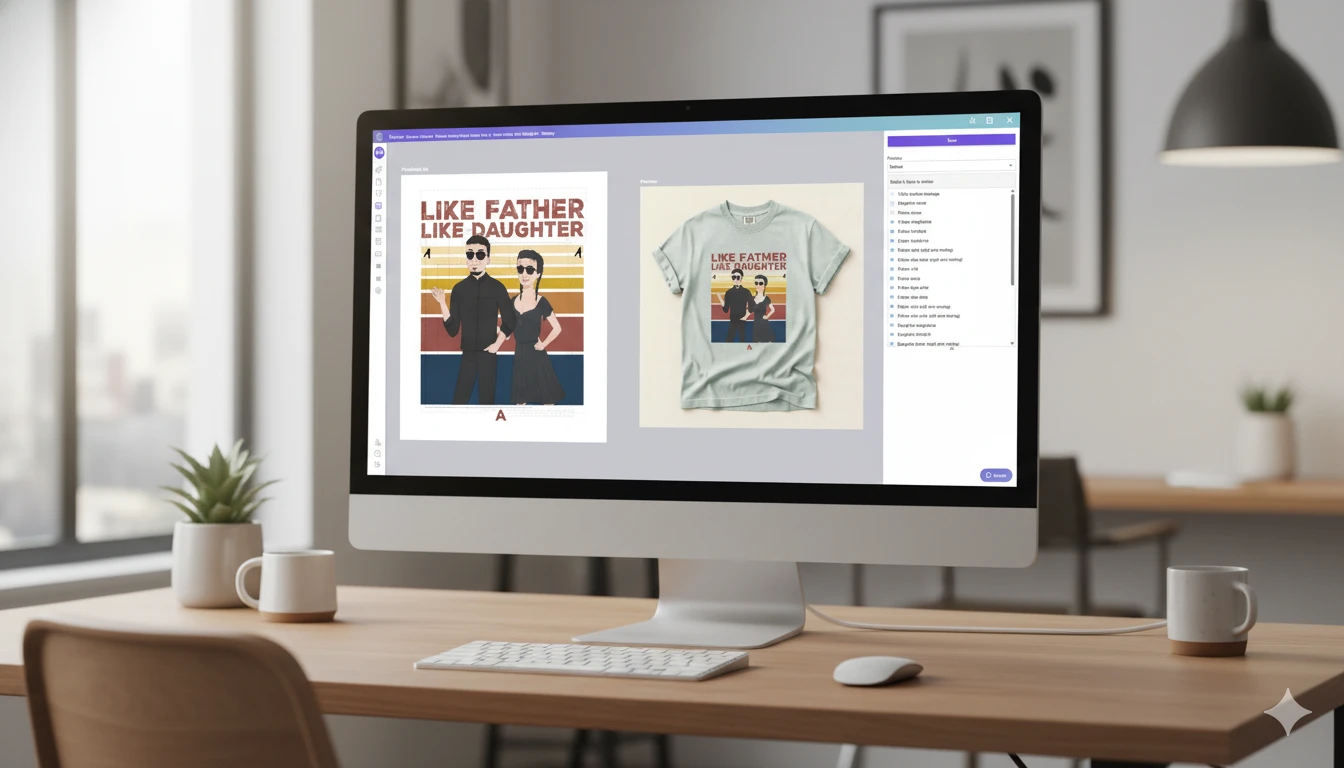
- You create a customizable design with Customily’s design studio.
- You connect the design with the product you want to sell (either a custom product, or a product from a POD provider).
- You get the product published on your WooCommerce store.
- Shoppers personalize the product directly on the product page with a live preview.
- When an order is placed, Customily automatically generates a high-resolution print-ready file.
- The production file is attached to the WooCommerce order instantly and sent automatically to the provider.
No manual file preparation. No design adjustments after purchase. No repetitive tasks.
For WooCommerce Print on Demand sellers, this automation is what enables true scalability.
Top Features of Customily WooCommerce Product Customizer 🚀
To rank among the best WooCommerce personalization plugins, a solution must combine performance, automation, and user experience. Here are some of Customily's core features:
- Real-Time Product Preview: Customers see personalization changes instantly. This increases buyer confidence and improves WooCommerce conversion rates.
- Automated Print-Ready File Generation: Production files are created automatically based on your specifications. No manual editing required.
- Mobile-Optimized Personalization: The customization interface works smoothly on smartphones and tablets.
- Conditional Logic: Display specific personalization options based on previous selections to simplify the buying process.
- Seamless WooCommerce Integration: Orders, personalization data, and production files stay inside your WooCommerce ecosystem.
- Built for High Traffic: Designed to handle seasonal spikes like Black Friday, Christmas, and Valentine’s Day without slowing your store.
For serious WooCommerce Print on Demand sellers, these are not optional features. They are essential.

Final Verdict: What Is the Best WooCommerce Product Customizer for Print on Demand?
If you only need basic text input, many WooCommerce customization plugins will work.
If you are building a serious personalized products business on WooCommerce with automation, scalability, and high conversion rates, you need a WooCommerce product customizer built specifically for Print on Demand.
The best WooCommerce product customization plugin is the one that:
- Improves customer experience
- Eliminates manual production work
- Supports growth during peak seasons
- Integrates seamlessly with WooCommerce
For WooCommerce sellers focused on long-term growth, Customily is built to deliver exactly that.
Frequently Asked Questions
What is the best WooCommerce product customizer for Print on Demand?
The best WooCommerce product customizer for Print on Demand offers live preview, automated print-ready file generation, and seamless integration with WooCommerce orders to eliminate manual work.
Can WooCommerce handle personalized products?
Yes. With a WooCommerce personalization plugin, you can add text fields, image uploads, and real-time product previews to sell customized and personalized products efficiently.
Do I need a live preview for personalized products on WooCommerce?
Yes. A real-time preview increases conversion rates, reduces customer uncertainty, and lowers refund requests for spelling or layout errors.
How does Customily work with WooCommerce?
Customily connects personalization templates to WooCommerce products, allows customers to customize with a live preview, and automatically generates print-ready production files after checkout.
Is a WooCommerce product designer plugin enough for scaling a POD store?
Basic product designer plugins may work initially, but scalable Print on Demand stores typically require automation, performance optimization, and production-ready file generation.