Table of Contents
Personalize your Shopify products
Install for freeWant to sell personalized products on WooCommerce and scale profitably?
Personalized products consistently outperform standard Print on Demand items. They convert better, command higher prices, and create emotional connections that generic products simply cannot match.
But successfully selling personalized products on WooCommerce requires more than adding a text field to your product page.
If you want to build a scalable WooCommerce Print on Demand business, you need the right personalization plugin, automation workflow, and customer experience from day one.
This step-by-step guide shows you exactly how to do it 🚀
Why Personalized Products Convert Better on WooCommerce 🎯
Personalization changes how customers perceive value.
When shoppers can add their name, upload a photo, or customize a design, the product shifts from being generic to being emotionally meaningful. That emotional ownership reduces price sensitivity and increases purchase intent.
On WooCommerce stores, personalized products typically result in:
- Higher conversion rates
- Higher average order value
- Stronger gifting appeal
- Lower return rates
- Better customer loyalty
For example, a standard mug might compete on price. A personalized mug with a name or custom message competes on emotional relevance.
This is why WooCommerce Print on Demand sellers who focus on personalization often see better margins and more sustainable growth.
1️⃣ Step 1: Choose the Right Personalized Products to Sell
Before setting up your WooCommerce personalization plugin, you need to select products that naturally fit customization.
High-performing WooCommerce personalized products usually fall into these categories:
- Name-based gifts such as mugs, tumblers, and ornaments
- Photo products like canvas prints and posters
- Family or couple-themed wall art
- Personalized jewelry
- Pet-related custom artwork
The key is emotional relevance.
Ask yourself: Is this product something someone would buy as a gift? Does personalization meaningfully improve its value? Is it simple enough for customers to customize quickly?
Start with one category. Validate demand. Then expand.
Trying to launch too many personalized SKUs at once can overwhelm your workflow.

2️⃣ Step 2: Set Up WooCommerce for Personalization the Right Way
WooCommerce does not natively handle advanced product customization. To sell personalized products on WooCommerce effectively, you need a dedicated WooCommerce personalization plugin.
At this stage, many sellers make a critical mistake.
They install a basic custom fields plugin that collects text input but does not provide a live preview or automated production files.
This creates problems:
- Customers cannot see their final design
- Errors increase
- Refund requests rise
- Manual file preparation consumes time
Instead, your WooCommerce product customization setup should include:
- Real-time preview directly on the product page
- Image upload functionality
- Dynamic text fields with font options
- Automated print-ready file generation
- Seamless order integration
If you plan to run paid ads or scale traffic, performance and automation are essential.
A strong WooCommerce personalization plugin should improve customer experience while reducing operational work.
3️⃣ Step 3: Automate Your Print on Demand Workflow
Automation is what separates a hobby store from a scalable WooCommerce Print on Demand business.
If you are manually adjusting customer artwork after every order, your margins shrink quickly.
An optimized workflow should look like this:
- Customer personalizes product with live preview.
- Order is placed on WooCommerce.
- A high-resolution print-ready file is generated automatically.
- The file is attached to the order.
- The order moves directly to production.
No manual intervention required.
Automation reduces errors, speeds up fulfillment, and allows you to focus on growth instead of repetitive design tasks.
When you remove friction from your backend operations, you can focus on marketing and growth instead of fixing design files.
4️⃣ Step 4: Optimize the Personalization Experience for Conversions
Selling personalized products on WooCommerce is not just about technology. It is about experience.
Your customization interface should feel simple, fast, and intuitive.
Best practices include:
- Keep personalization steps minimal
- Avoid overwhelming customers with too many options
- Use default design suggestions
- Ensure mobile optimization
- Show clear preview updates in real time
Mobile performance is especially critical. A slow personalization interface can destroy conversion rates.
Test your WooCommerce personalized product pages on multiple devices before launching paid campaigns.
Small UX improvements often result in major revenue gains.

5️⃣ Step 5: Test Before You Scale
Before investing in ads or influencer campaigns, test your entire WooCommerce personalized product flow.
Check:
- Desktop and mobile performance
- Different personalization combinations
- Order confirmation emails
- Production file accuracy
- Fulfillment handoff
Place multiple test orders. Try edge cases like long names or unusual image sizes. It is much easier to fix problems before traffic increases.
Once your WooCommerce personalization workflow is stable and automated, you are ready to scale confidently.
Common Mistakes When Selling Personalized Products on WooCommerce ⚠️
Many WooCommerce sellers struggle because of avoidable setup errors.
The most common include:
- No live preview
- Manual design adjustments
- Overcomplicated customization options
- Slow product pages
- Ignoring mobile optimization
Selling WooCommerce personalized products should simplify operations, not complicate them.
When your personalization plugin and workflow are built correctly, scaling becomes predictable.
How Customily Helps You Sell Personalized Products on WooCommerce 🚀
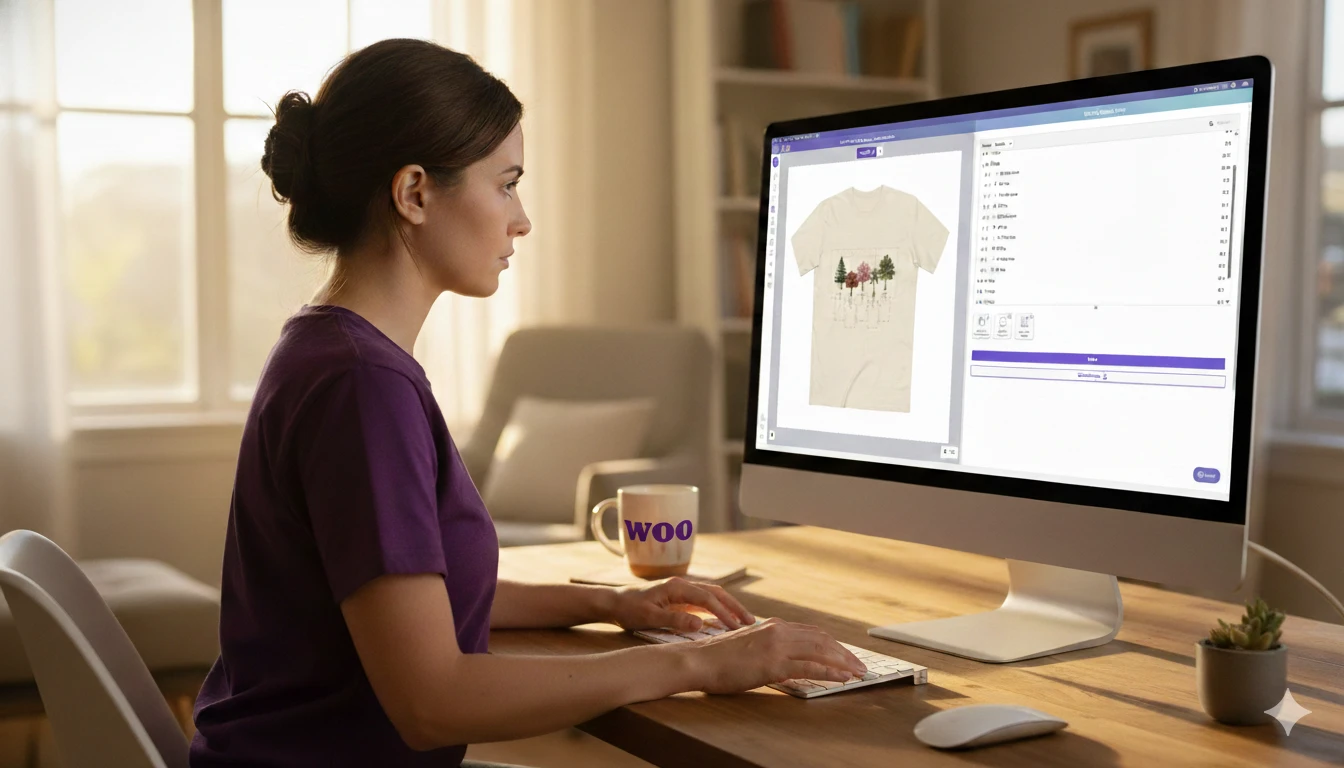
Customily is a WooCommerce product customizer built specifically for Print on Demand sellers who want to automate and scale.
Here’s how it works inside your WooCommerce store:
- You create a personalization template using Customily’s design studio
- You define editable areas like names, dates, images, or color selectors
- Customers personalize directly on your WooCommerce product page with a live preview
- After checkout, Customily automatically generates a high-resolution print-ready file
- The production file is attached to the WooCommerce order
- If you're working with a POD provider, the order is sent automatically to them for fulfillment
No manual file editing. No design adjustments after purchase.
For sellers running ads, preparing for Q4, or managing high order volume, this automation is critical.
Customily turns WooCommerce personalization from a manual process into a scalable system.

Final Thoughts: Building a Scalable WooCommerce Personalized Products Business
Selling personalized products on WooCommerce is one of the most profitable strategies in Print on Demand.
But success depends on three things:
- Choosing emotionally relevant products
- Implementing a strong WooCommerce personalization plugin
- Automating production workflows
When personalization improves both customer experience and backend efficiency, your store becomes easier to scale and more profitable.
WooCommerce gives you flexibility. The right personalization setup gives you leverage.
Frequently Asked Questions
How do I sell personalized products on WooCommerce?
Install a WooCommerce personalization plugin, add live preview to your product pages, automate print-ready file generation, and connect orders directly to your fulfillment workflow.
Does WooCommerce support product customization by default?
WooCommerce supports basic custom fields, but advanced personalization requires a dedicated WooCommerce product customization plugin.
Why is live preview important for WooCommerce personalized products?
Live preview increases conversion rates and reduces refunds because customers can confirm their design before purchasing.
How does Customily automate WooCommerce personalized orders?
Customily generates high-resolution print-ready files automatically after checkout and attaches them directly to WooCommerce orders.
Can I scale a Print on Demand business on WooCommerce?
Yes. With the right automation and personalization infrastructure, WooCommerce can support scalable, high-volume personalized product stores.