Table of Contents
Personalize your Shopify products
Install for freeShopify makes it easy to set up a store, but when it comes to product customization, its default tools fall short. Three options per product, 100 variant combinations, and no live preview - for any store that wants to offer a real personalized shopping experience, those limits hit fast.
The solution is a product customizer app. This guide walks you through why Shopify's native options aren't enough, what to look for in a customization app, and how to set up Customily on your store step by step.
The Importance of Offering Customizable Products
Customizable products are a powerful way to differentiate your store and create a memorable shopping experience. Allowing customers to make a product their own, whether by choosing colors, adding text, or uploading images, gives them a personal connection to the item and your brand. Customization matters for several reasons:
💚 Enhances customer engagement:
When customers can interact with a product and make it unique, they’re more engaged in the buying process.
💚 Increases sales:
Customizable products often have higher perceived value, allowing you to justify a premium price.
💚 Builds brand loyalty:
Customers appreciate having the freedom to create products tailored to their preferences, which encourages repeat business.
However, Shopify's built-in limitations on product options can make it hard to meet these expectations. This is where a customization app such as Customily can bridge the gap.
Why Shopify's Default Customization Falls Short
Shopify gives you a clean, reliable foundation - but its built-in product options were built for simple cases like size and color, not true personalization. Here's where the constraints show up:
3 options per product. Shopify limits each product to three option types (e.g., size, color, material). If you want to let customers add a name, choose a font, upload a photo, and pick a color scheme, you're already over the limit.
100 variant combinations. Every combination of options generates a variant, and Shopify caps that at 100. A shirt with 5 colors, 5 sizes, and 2 sleeve lengths already hits 50 - add one more dimension and you're blocked.
No live preview. Shopify doesn't show customers a visual representation of their customized product before they buy. That uncertainty hurts conversion - customers won't add to cart if they can't see what they're getting.
These aren't workarounds you can hack - they're structural limitations of the platform. For stores selling personalized products, a dedicated customizer app is the only real fix.

What to Look for in a Shopify Product Customizer App
Before picking an app, there are a few things worth evaluating:
- Live preview: Customers should see their customization in real time, directly on the product page. This is the single biggest driver of conversion for personalized products.
- Unlimited fields: You need to be able to add as many options as your product requires - text, images, colors, clipart, and more - without hitting a ceiling.
- Print-on-demand integration: If you work with a POD provider (Printify, Printful, Gooten, etc.), the app should connect directly and send print-ready files automatically on each order.
- Ease of setup: A complex app that requires developer help to configure defeats the purpose. Look for something you can set up and manage without touching code.
- Platform support: If you sell on Etsy, WooCommerce, or Amazon in addition to Shopify, an app that works across platforms saves you from running parallel setups.
There are several product customizer apps on the Shopify App Store - Kickflip, Easify, and others - but most are built for specific use cases like form-field collection or visual component configurators. If you need a complete solution covering live preview, unlimited personalization, POD automation, and multi-platform support, Customily is the option that covers all of it.
Customily: A Powerful Tool for Product Customization
Customily is a feature-rich app designed to extend Shopify functionality by offering extensive personalization options. These are five benefits that you can get from integrating Customily into your Shopify store:
💜 Unlimited customization fields
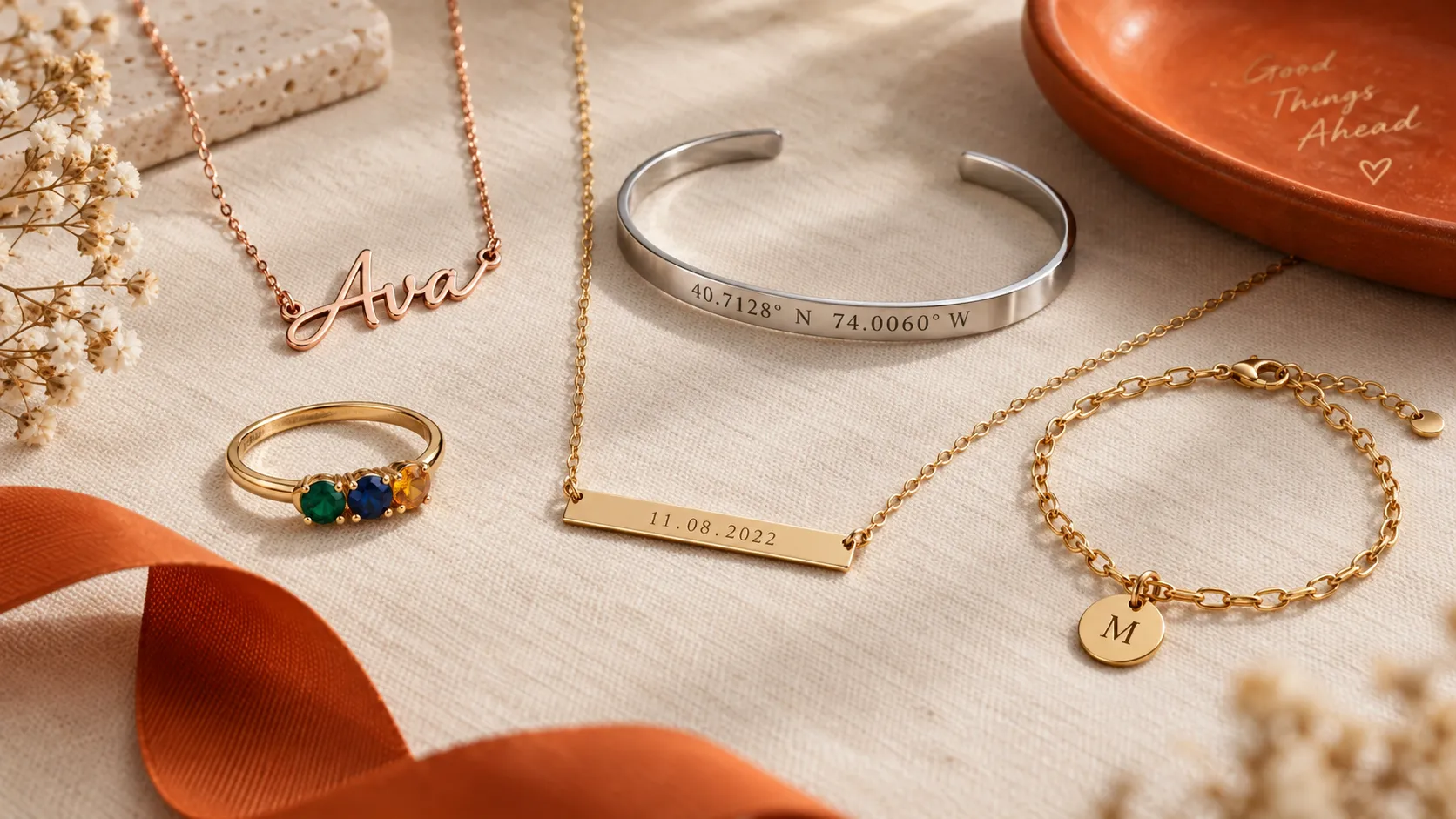
With Customily, you’re not limited to three options per product. You can add as many customizable fields as you need, including text, photos, clipart, colors, and even special add-ons like street maps, star maps, crossword puzzles, and many more.
💜 Live product preview
Customily allows customers to see a real-time preview of their customized product. For example, if they’re adding a personalized name or choosing colors, they can see these changes reflected instantly. This reduces guesswork and helps customers feel more confident in their purchases.
💜 Image and design uploads
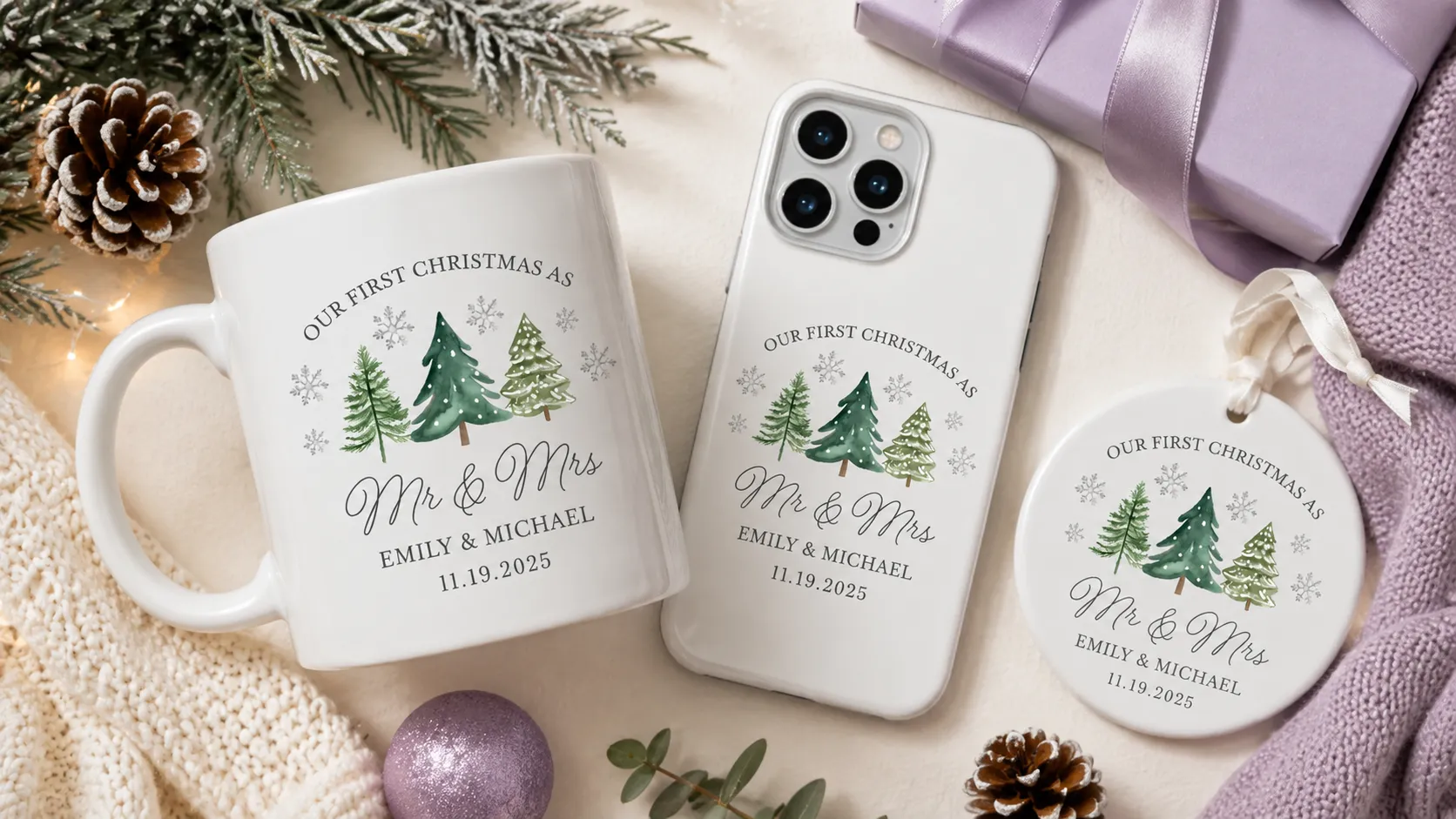
Customers can upload images or designs directly to the product, a feature perfect for stores selling personalized gifts, T-shirts, mugs, or accessories.
💜 Print-on-demand integration
Customily integrates seamlessly with print-on-demand services, streamlining the customization-to-fulfillment process. This is particularly beneficial if you use POD for custom products, as orders go straight to production without manual intervention.
💜 Easy setup and user-friendly dashboard
Customily offers a straightforward setup process, allowing you to quickly add customizable options to your products and easily manage all customization options through its intuitive dashboard.
How to Set Up Customily on Your Shopify Store
1. Install Customily from the Shopify App Store
Go to the Shopify App Store, search for Customily, and click "Add app." The installation is one click and doesn't require any code changes to your store.
2. Create your first customizable template
Inside the Customily dashboard, create a design template for your product. Add the customization fields you want to offer - text inputs, image upload areas, color pickers, clipart selectors, or any combination. Customily's interface lets you configure each field visually, set boundaries for where designs can appear on the product, and preview exactly how customers will see it.
If you don't want to start from scratch, pick one of the 200+ ready-to-use templates from Customily's library and adapt it to your product.
3. Set up the live preview
Apply your template to your product and publish it to your Shopify store directly from Customily. The live preview widget goes live automatically on your product page - customers will see their customizations update in real time as they type, upload, or make selections.
4. Connect your print-on-demand provider
If you use a POD service, connect it in Customily's integrations panel. Once linked, every order that comes through your store triggers an automatic file generation and sends it straight to your provider with the customer's exact specifications. No manual steps on your end.
5. Optimize your product pages
Once Customily is live, make sure your product page supports the experience:
- Use sample images that show the product already personalized - not just a blank base product.
- Add copy that explains the personalization options available (e.g., "Add a name, date, or custom message").
- Make the customizer widget easy to find - don't bury it below the fold.

Customizing products on Shopify allows you to provide a tailored shopping experience that stands out from competitors. While Shopify's default settings limit customization, integrating an app like Customily unlocks almost limitless possibilities.
Customily not only lets customers add personal touches to their purchases but also integrates seamlessly with print-on-demand services, making it easier to handle fulfillment.
Whether you’re new to e-commerce or looking to expand your existing offerings, Customily provides the tools to elevate your store and offer products customers can truly call their own.
Start using Customily today and watch your store grow with the added value of personalized products! 🚀
Happy Customizing! 💫
Frequently Asked Questions
Does Shopify have a built-in product customizer?
No. Shopify's native product options are limited to 3 option types and 100 variant combinations per product, with no live visual preview. For real product personalization, you need a third-party app.
What is the best product customizer app for Shopify?
Customily is the most complete option for stores selling personalized products. It supports unlimited fields, live preview, automatic print-ready file generation, and direct integrations with major print-on-demand providers.
Can I add unlimited product options to Shopify?
Yes, but only with a customizer app. Customily removes Shopify's native limits and lets you add as many custom fields as your product needs - text, images, colors, maps, clipart, and more.
Does Customily work with print-on-demand?
Yes. Customily connects directly with Printify, Printful, Gooten, CustomCat, and other major POD providers. When an order comes in, it generates a print-ready file automatically and sends it to your provider without any manual steps.
How much does Customily cost?
Customily's plan starts at $49/month plus a per-item transaction fee on personalized products sold. A 9-day free trial is available with full access to all features - no credit card required if you're on Shopify.
Can I use Customily on platforms other than Shopify?
Yes. Customily works on Shopify, Etsy, WooCommerce, Amazon, and Walmart. All your designs and settings are shared across platforms from a single account.