Table of Contents
Personalize your Shopify products
Install for freeOnline personalized jewelry sales are determined by three variables: platform, design tool, and production capabilities. Find the right mix of these three ingredients and you’ve got a winner. Custom engraved and monogrammed jewelry is always near the top of the list for highest converting personalized goods, because odds are the buyer is buying it for someone else. Who wants to return something with someone's name engraved on it?
To start selling personalized jewelry online, you need:
- A platform to host your store (Shopify, WooCommerce or Etsy are the most common for this category)
- A design tool that lets your customers preview their engraving, initials or personalization live, before they buy
- A production method, either your own equipment or a print-on-demand supplier that handles engraving, plating and shipping for you
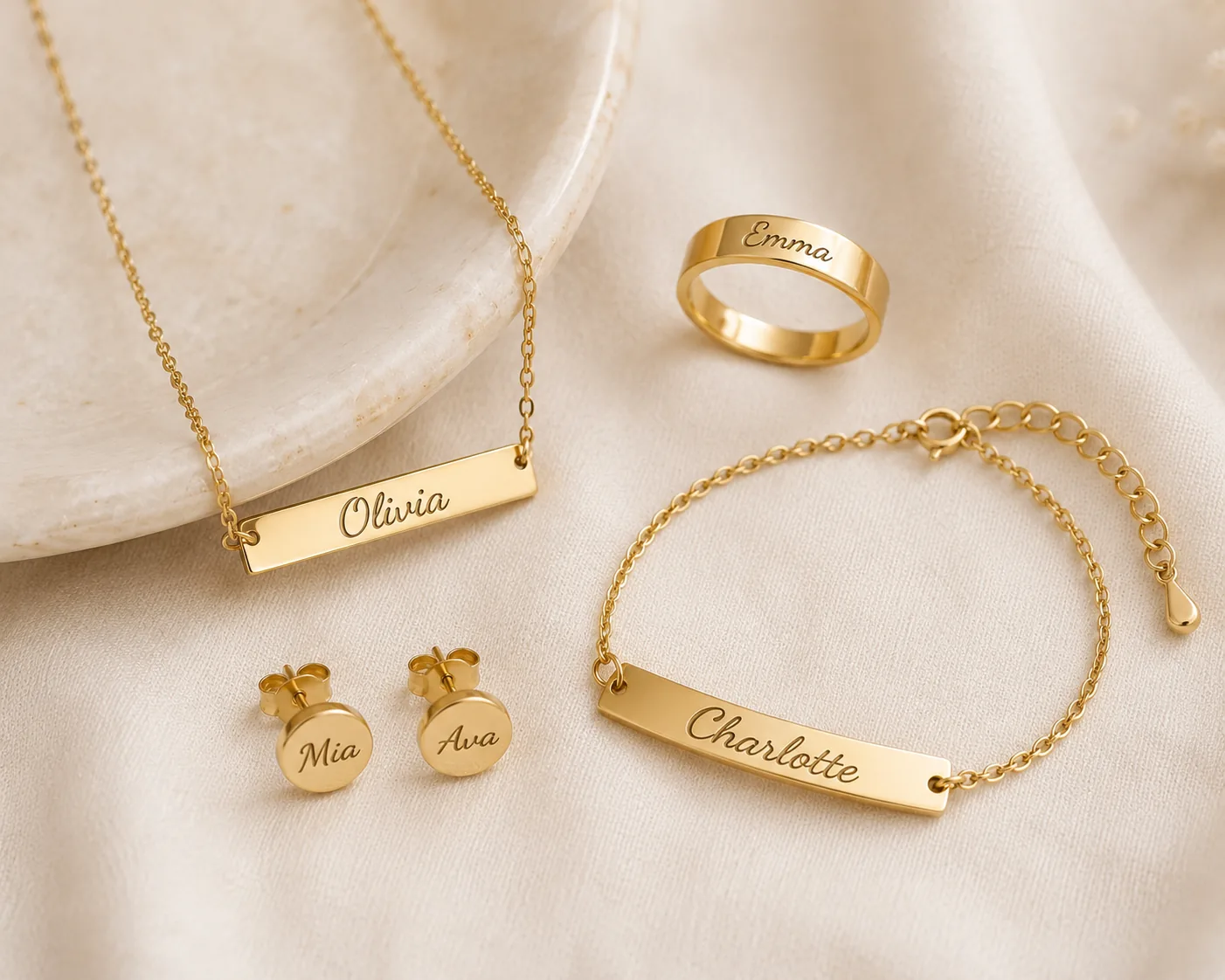
This guide walks through each major jewelry category (necklaces, earrings, bracelets and rings) with the specific tools, suppliers and setup you'll need for each one. Browse personalized jewelry products to see the range of pieces you can build this way. The same approach works past jewelry, too. Dimples built a successful personalized accessory line, custom doodle cufflinks, on this exact setup. If you're starting your store from scratch, read our step-by-step guide to selling custom jewelry online first, then come back here for the category-specific details.
How to Sell Necklaces Online
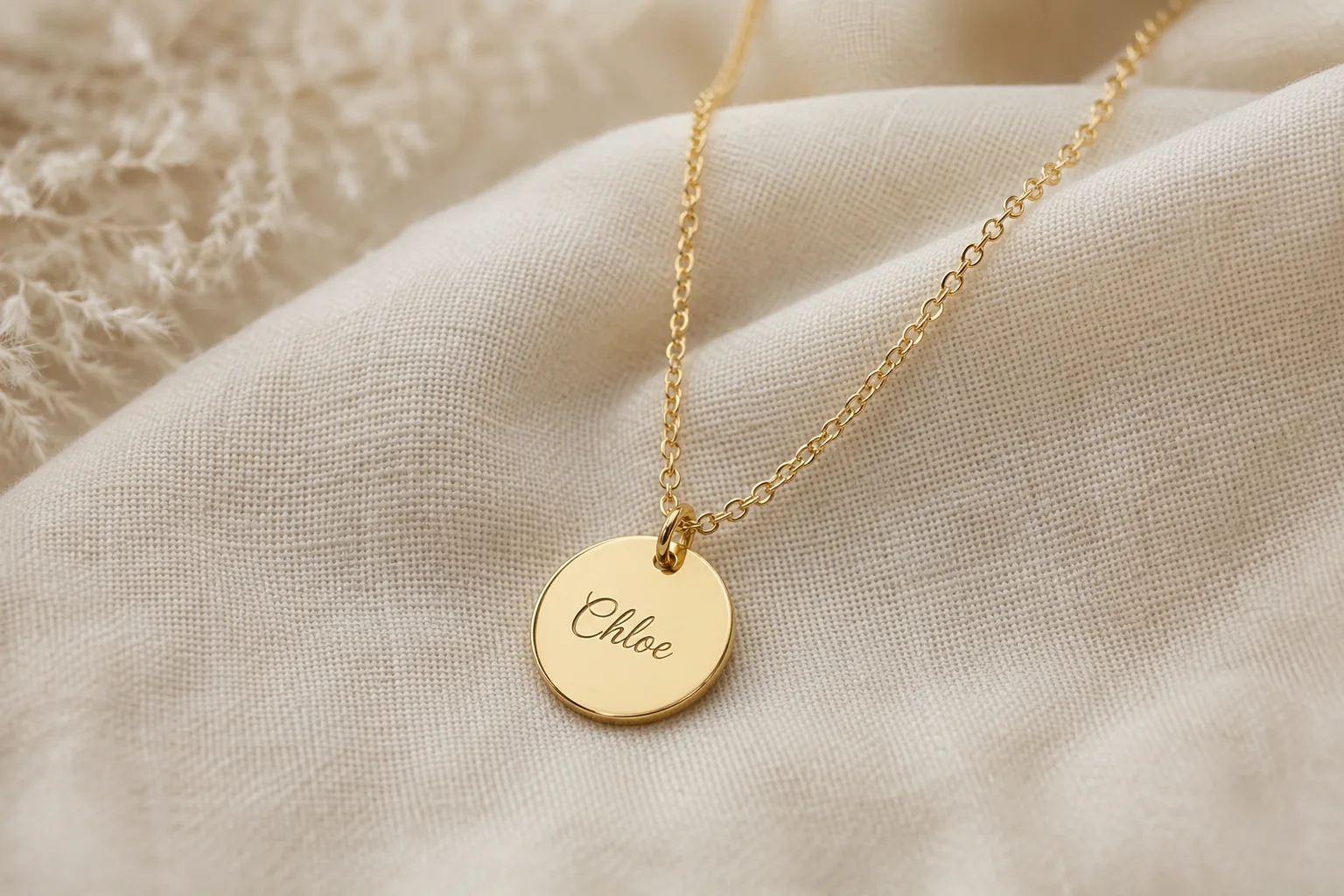
Personalized necklaces sell because the customization is visible and permanent. A name, an initial, a set of coordinates, a birthstone.
You need a design tool that shows customers their engraving before checkout, not just a box that says "customization notes."
Set up a design tool. Let shoppers see their name or initials rendered on the pendant in real time, choose a font or chain style, and confirm exactly what they're ordering. Customers who can't preview their engraving are far more likely to abandon the cart, or order the wrong spelling. On WooCommerce or Shopify, that means a live product personalizer, not a form field.
Decide on your production method. Make the pieces yourself, or work with a print-on-demand supplier that specializes in custom name necklaces, the faster way to test the category before you invest in your own equipment. Confirm your supplier can handle the specific engraving style you're offering. Laser engraving reads differently than hand-stamping, and customers notice.
Show, don't just offer. "Engrave your own necklace online" is one of the most common searches in this category. These buyers already know they want something engraved, they're comparing where to do it. Show real examples of engraved text on your product pages, not just blank pendant mockups.
Answer the questions buyers are already asking. Can I preview the engraving? Can I choose the font? What happens if I misspell a name? Put all three answers on the product page. A clear typo policy (your fault vs. the customer's) cuts support tickets once you scale.
Limit the options, not the appeal. If your pendant design is built for initials, cap the field at 2-3 characters instead of letting someone type a full name that won't fit. Merci Maman, a personalized jewelry boutique, keeps its necklace personalization tightly scoped this way, which keeps the preview accurate and the finished piece consistent with what the customer saw.
How to Sell Earrings Online
Earrings are a different sale than necklaces.
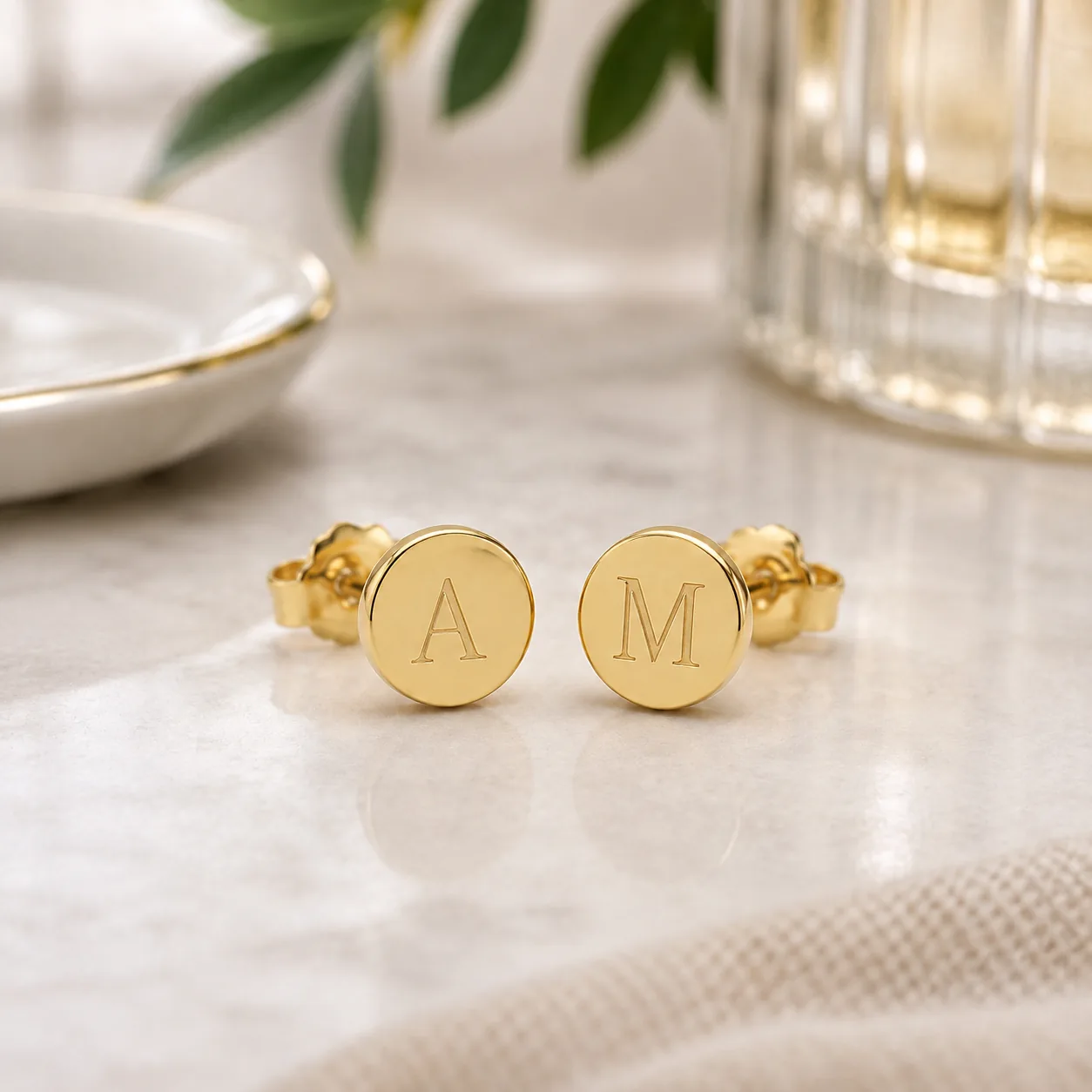
The personalization is usually smaller: initials, a birthstone, a small charm. Your buyer is often comparing price and pair-matching more than engraving quality.
Start with your platform and listing basics. If you're new to selling personalized products, sort your storefront and payment setup before anything else. Most sellers in this category start on Etsy or Shopify. Both handle the discovery side for you (people actively search "personalized earrings" on Etsy), which frees you up to focus on production.
Make personalization simple, not elaborate. Unlike necklaces, earrings rarely need a full visual design tool. A dropdown for initials, a color or finish selector, and a clear photo of what "personalized" looks like on the actual product usually does the job. Overbuilding the customization experience here adds friction without adding conversion.
Price for pairs, not pieces. A common mistake new sellers make: pricing personalized earrings the same way you'd price a single pendant. Your buyer expects a pair. Make your personalization fee (if you charge one) clear about whether it covers one earring or both.
Sourcing: if you're not making earrings yourself, look for a POD partner that explicitly lists earring engraving or stamping in their catalog. Not all jewelry-focused suppliers do. Earrings need finer detail work than larger pieces like pendants or bracelet plates.
How to Sell Bracelets Online
Bracelets sit in the middle.
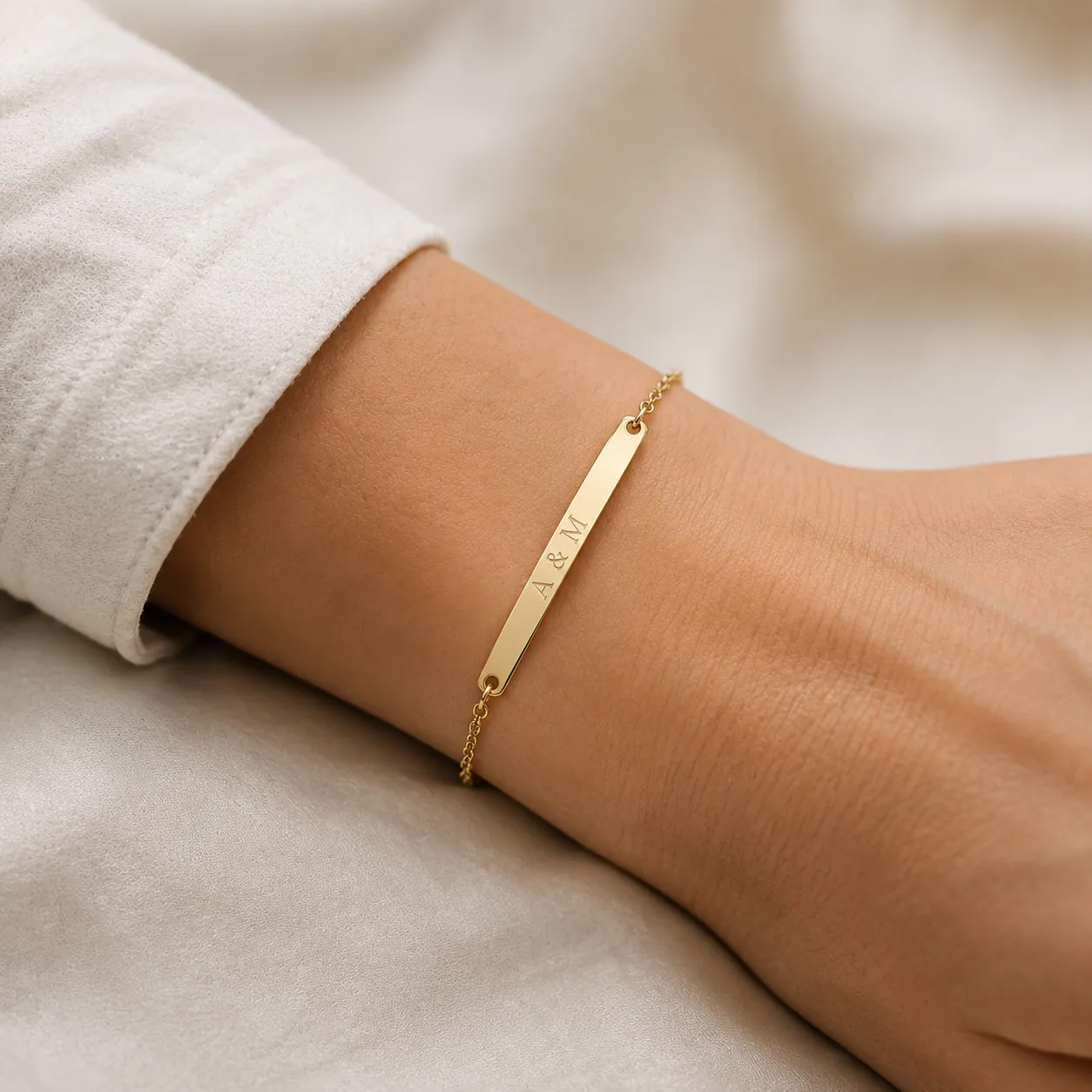
Personalization can be as simple as an engraved bar, or as involved as a fully custom charm bracelet where the customer picks each element.
Match your design tool to your product complexity. Selling simple engraved bar bracelets? A straightforward text customizer works fine. Selling build-your-own charm bracelets? You need a tool that lets customers add, remove and arrange multiple elements, closer to a product builder than a simple engraving field. This is where most bracelet stores lose sales: forcing a complex charm bracelet into a basic text tool, so customers can't visualize what they're actually buying.
Sizing matters more here than in any other category. Necklaces and earrings forgive an imperfect fit. Bracelets don't. Include a clear sizing guide, and if your platform supports it, let customers select their wrist size as part of the customization flow rather than as an afterthought in the notes field.
Production options. Bracelets are one of the more accessible categories for print-on-demand fulfillment. Several POD suppliers offer engraved bar and cuff bracelets as a standard catalog item. That makes this a lower-risk category to test before you commit to your own production.
How to Sell Rings Online
Rings are your highest-consideration purchase in this category, and the searches prove it.
People aren't just looking for "personalized rings." They're searching for design tools on the specific platform they already use. That tells you they're evaluating the buying experience as much as the product itself.
A guided design flow is not optional here. Unlike earrings or simple bracelets, ring customization usually involves multiple decisions: metal, size, engraving text, sometimes stone selection. A guided, step-by-step design tool, rather than a single customization field, cuts abandonment significantly, because it walks your buyer through decisions one at a time instead of dumping all of them at once.
Platform-specific setup:
- On WooCommerce, your ring builder needs to handle size charts and multiple option layers cleanly. This is one of the more technical personalization setups to get right, so test the full purchase flow yourself before you launch, from size selection through to the order confirmation email.
- On Shopify, the same principle applies: make sure your product personalizer app supports multi-step configuration, not just a single text field, for anything beyond simple name rings.
Get the confirmation step right.
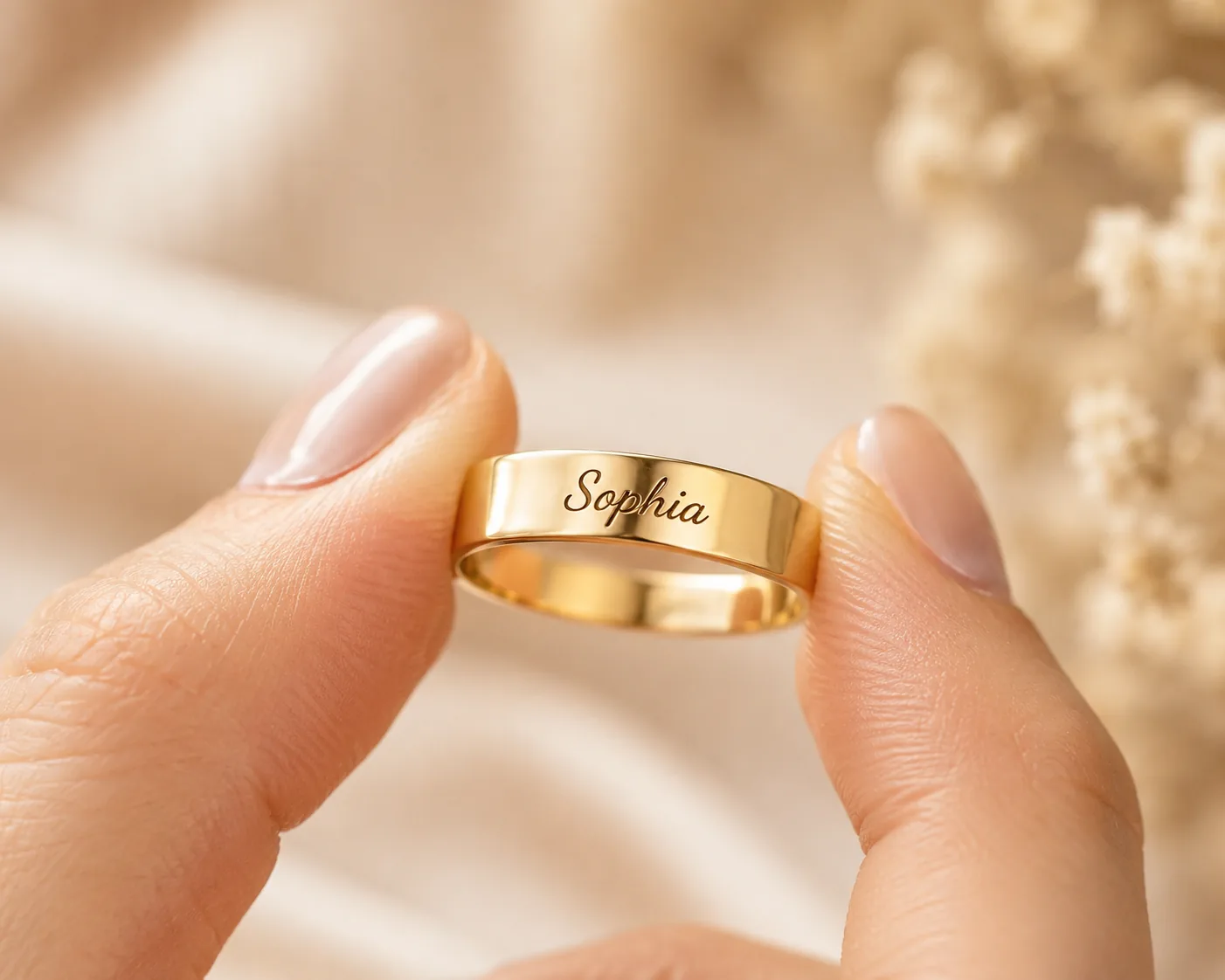
Rings are a considered, often gift purchase. Show customers a clear summary of every choice they made (size, metal, engraving text, font) before they confirm the order. This single step prevents most ring-related support issues and returns. Studios like Homini Studio, known for their creative product photography, are a good reference for how to shoot your confirmation and preview imagery so the ring looks as good on screen as it will in hand.
Choosing the Right Personalization Tool for Your Jewelry Store
Across all four categories, your personalization tool matters more than almost any other decision you'll make. A weak or confusing customization experience is one of the most common reasons jewelry stores struggle to convert traffic, even when the product itself is strong.
What this means for you: look for these four things before you pick a tool.
- Real-time preview, so your customers see their name, initials or engraving rendered on the actual product before they buy, not just a text field they have to trust
- Support for your production method, whether that's your own engraving equipment or a print-on-demand supplier's specs
- Multi-step configuration for complex products like rings and charm bracelets, and simpler single-field customization for straightforward products like engraved bar bracelets or stud earrings
- A clear order summary showing exactly what your customer configured, which cuts returns and support tickets across every category above
Setting this up on Shopify, WooCommerce or Etsy? Customily product personalizer handles exactly this: live previews, guided multi-step flows for complex products like rings, and support for the print-on-demand suppliers most jewelry sellers already work with.
Start your free trial or book a demo to see how it works with your specific jewelry catalog.
Frequently Asked Questions
What's the best platform to sell personalized jewelry online?
Shopify, WooCommerce and Etsy all work well for personalized jewelry. Etsy gives you built-in discovery for shoppers already searching "personalized jewelry." Shopify and WooCommerce give you more control over the design tool and checkout experience. Most sellers start on one of the three rather than building a custom site from scratch.
How do I let customers preview their engraving before they buy?
You need a live product personalizer, not a text field. A design tool renders the customer's name, initials or text directly on the product image in real time, so they see exactly what they're ordering before checkout. This cuts wrong-order returns and builds buying confidence, especially for necklaces and rings.
What print-on-demand suppliers make personalized jewelry?
Look for a POD supplier that explicitly lists jewelry engraving, stamping or plating in their catalog, since not every general POD supplier covers it. Confirm which categories they handle: some cover necklaces and bracelets but not the finer detail work earrings and rings require.
How much should I charge for jewelry personalization?
Price personalization as a clear add-on, not a hidden cost buried in the base price. For earrings, be explicit about whether the fee covers one piece or the pair. Buyers pay a premium for personalization when the value is obvious, a clean preview and a fast, accurate turnaround justify the extra cost.
Which jewelry category is easiest to start selling first?
Bracelets and necklaces are the easiest entry point. Simple engraved bar bracelets and name necklaces need only a basic text customizer and are widely supported by print-on-demand suppliers. Rings are the hardest to start with, since they require size charts, multi-step configuration and the highest buyer consideration of the four categories.