Table of Contents
Personalize your Shopify products
Install for freeQ4 doesn't wait. If you want personalized products live in your store in time for holiday gifting season, the window to set them up is shorter than most sellers expect, especially when fulfillment, design, and listings all need to line up.
The sellers who win Q4 are the ones who start in August. Not because they're overachievers, but because personalized products need more lead time than standard listings. You need to select products, configure your personalization experience, order physical samples, and connect your fulfillment flow before a single customer sees your listing.
This guide walks through everything: which product categories to prioritize, how to map personalization ideas to the right products, how to build your setup in Customily step by step, and how a fulfillment partner like merchOne fits into the picture to keep operations running smoothly when order volume spikes.
Why Q4 Is the Biggest Opportunity for Personalized Product Sellers
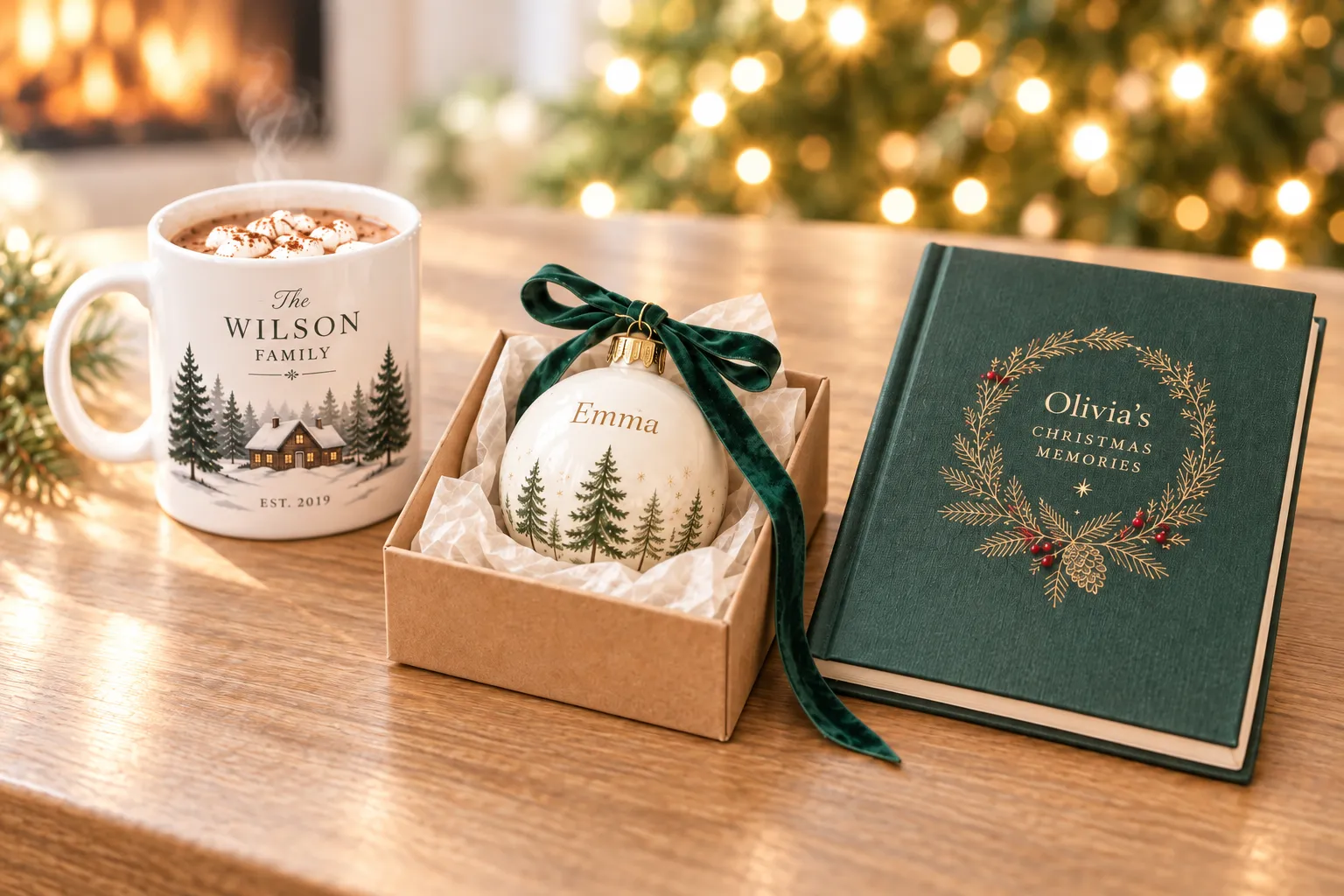
Personalized gifts are among the top-performing product categories during the holiday gifting season. Shoppers buying for Christmas, Hanukkah, or New Year's are actively looking for something that feels considered, not generic. A custom star map of a meaningful date, a mug with a family photo, a blanket with a pet portrait: these are products with emotional weight that standard items can't replicate.
For sellers, that translates to higher conversion rates, lower price sensitivity, and stronger average order values. Customers buying personalized gifts are rarely comparison shopping on price: they're buying a specific thing for a specific person.
But this opportunity has a narrow window. Personalized products can't be listed the week before Christmas and expected to convert; buyers need time to personalize, order, and receive them. That means your listings need to be live, tested, and optimized well before the rush begins.
Choosing the Right Products to Launch: Matching Personalization Ideas to the merchOne Catalog
Not all personalized products perform equally in Q4. The right starting point depends on your audience, your price point, and how much setup complexity you're willing to take on. Here's how to think about each category in the merchOne catalog available inside Customily:
Wall Decoration: Best for High-Intent Gift Shoppers
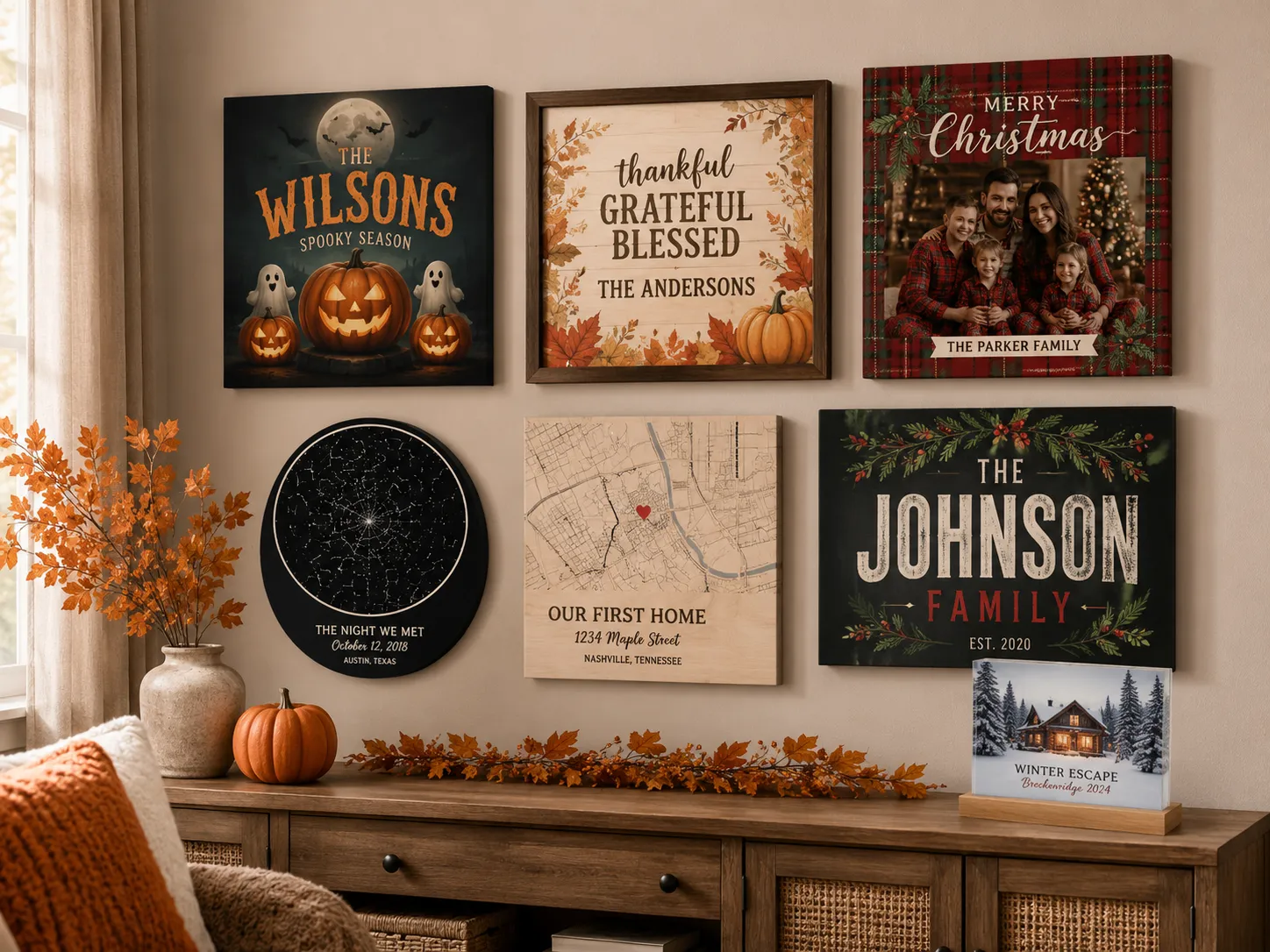
Canvas prints, metal prints, framed posters, and wood panels are among the strongest performers for personalized gifting. Shoppers searching for custom wall art are usually already in buying mode, they know what they want and are willing to pay for something meaningful.
Available products include: Canvas, Acrylic Print, Premium Acrylic Print, Acrylic Print on Metal, Metal Print, Metal Print (Gloss Finish), Photo Board, Framed Photo Board, Passepartout, Wood Panel, Wood Block, MixPix, Canvas Wall Hanging, Poster, Poster GM, Framed Poster, Adhesive Poster, Wall Tapestry, Round Photo Print, Table Top Print, Framed Floating Photo, Framed Fabric Wall Art, Kids Measuring Bar, Metal Door Plate, Acrylic Block, and Acrylic Heart.
Best personalization ideas for this category:
- Star maps of meaningful dates (wedding anniversaries, births, first dates)
- Street maps of meaningful locations (hometown, first home, where you met)
- Family or couple portraits using AI photo effects (watercolor, oil painting)
- Custom name prints and typographic art
Home Decor & Accessories: Best for Gifting Volume and Variety
Mugs, blankets, pillows, and accessories are gifting staples with broad appeal, they work across age groups, price points, and relationships. This category is ideal for sellers who want to build a diverse holiday catalog that covers multiple buyer personas.
Available products include: Classic Mug, Mug Premium, Magic Mug, Enamel Mug, Heart Mug, Travel Mug, Inner Colored Mug with Colored Handle, Seasonal Mug, Premium Pillow, Standard Pillow, Cotton Pillow, Premium Pillow Cover, Premium Blanket, Standard Blanket, Bed Linen, Cotton Bed Linen, Towel, Sports Towel, Rug, Shaped Rug, Tote Bag, Puzzle, MIXBLOX, Mouse Pad, Notebook, Snow Globe / Glitter Picture Frame, Heart Keyring, Rectangular Keyring, Window Blinds (Daylight), and Window Blinds (Blackout).
Best personalization ideas for this category:
- Photo gifts with AI effects (cartoon or watercolor filters on personal photos)
- Custom name and quote combinations on mugs and blankets
- Baby milestone and birth announcement designs
- Couple and family-themed seasonal designs

Apparel: Best for Corporate Gifting and Year-Round Demand
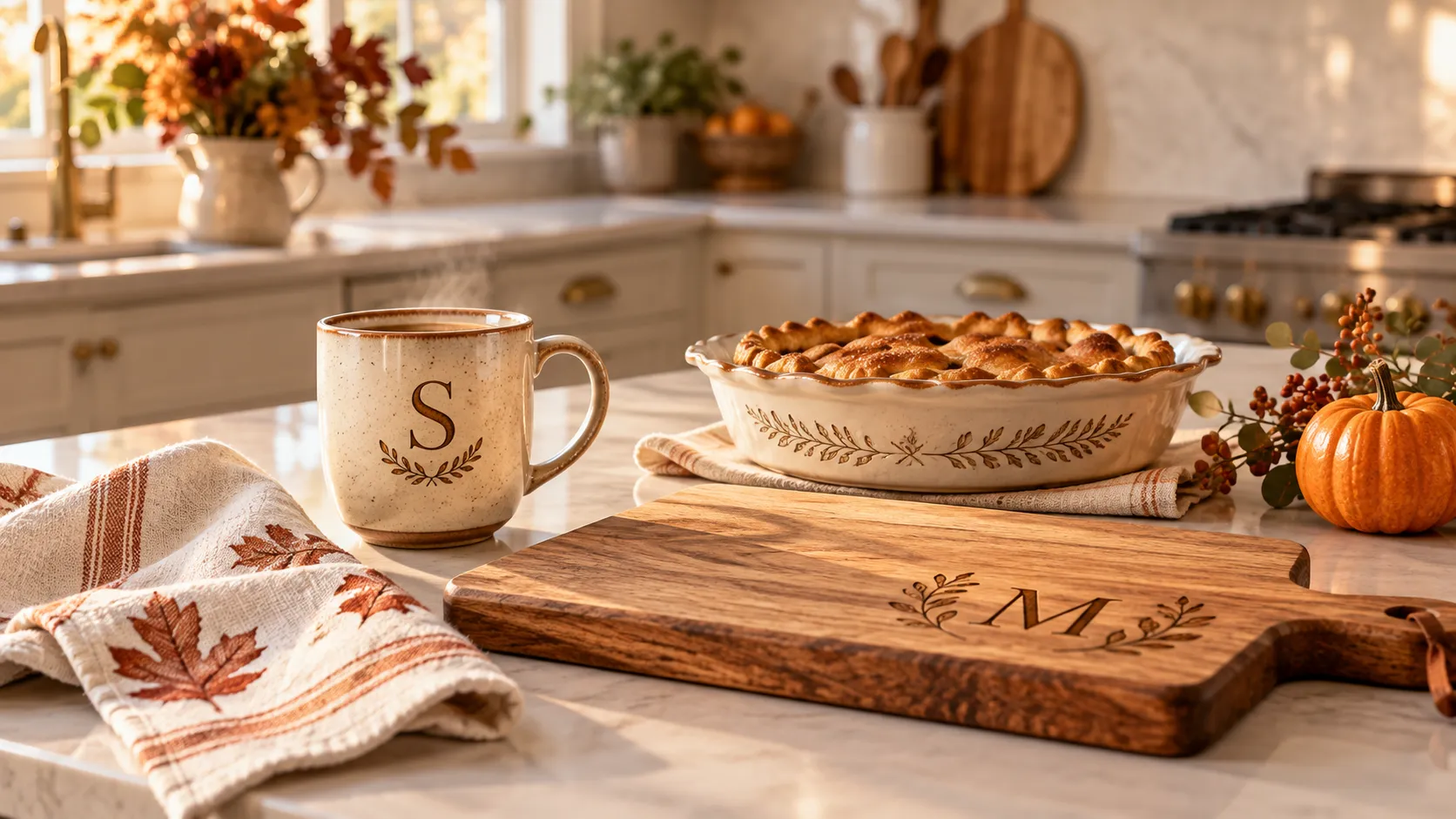
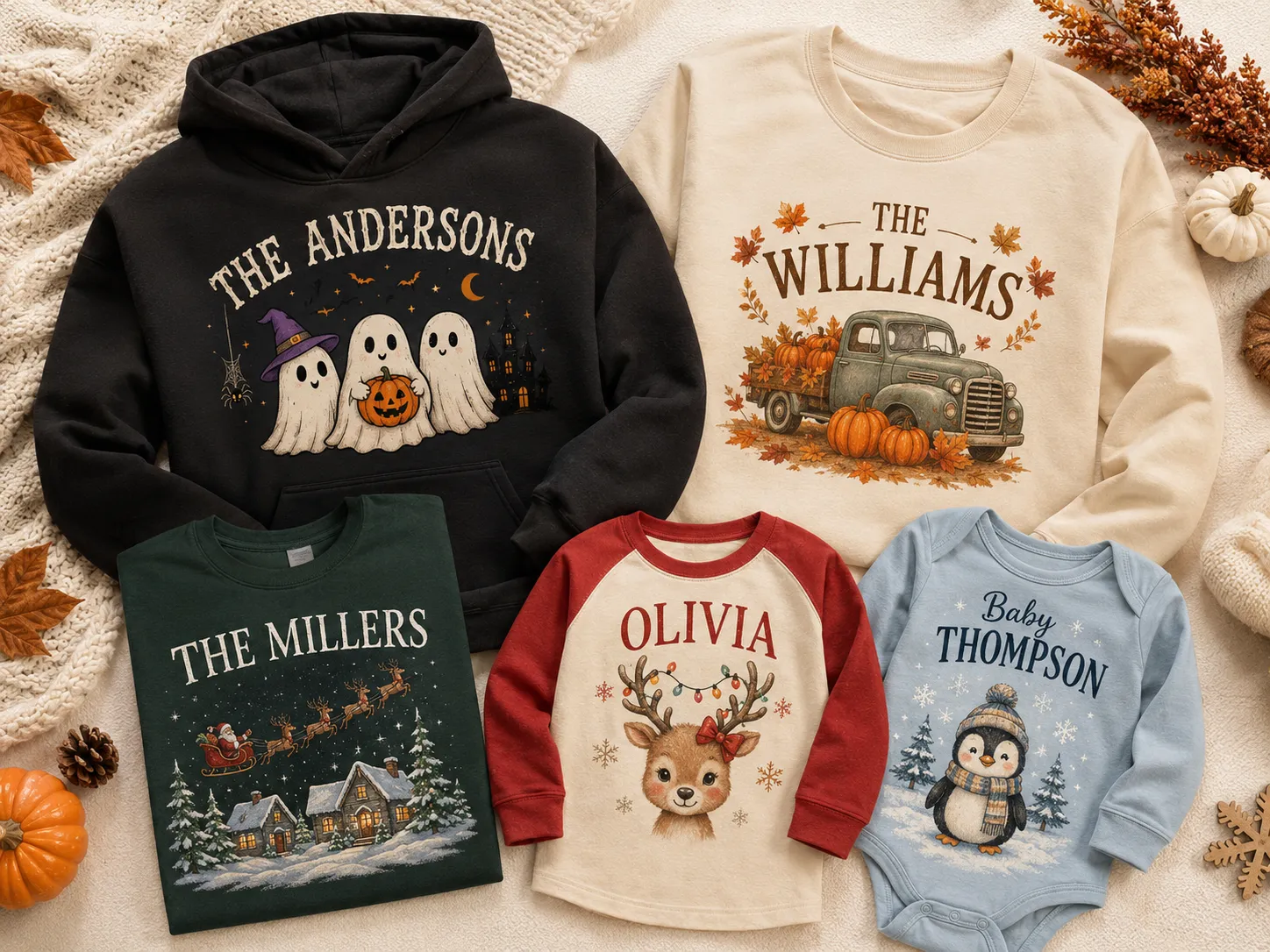
Custom apparel has year-round demand with a meaningful Q4 spike, especially for corporate gifting, family matching sets, and group orders. It's also one of the strongest categories for repeat business, since a customer who orders custom t-shirts for a holiday event often returns for the next one.
Available products include: T-Shirt, Hoodie Unisex, Unisex T-shirt Bella Canvas 3001, Unisex T-shirt Gildan 5000, Unisex T-shirt Stanley Stella Creator 2.0, Unisex Hoodie Gildan SF500, Unisex Hoodie B&C WU33B, Unisex Hoodie Stanley & Stella Cruiser 2.0, Unisex Sweatshirt Gildan SF000, Unisex Sweatshirt Stanley & Stella Roller, Unisex Sweatshirt Stanley & Stella Changer 2.0, and Baby Bib.
Best personalization ideas for this category:
- Custom name and number combinations
- Family or team designs with dynamic text fields
- Corporate logo and personalization combinations for gifting programs
- Seasonal event designs (ugly sweater style, holiday themes)
Pet Products: Best for a High-Loyalty Niche with Strong Gift Potential
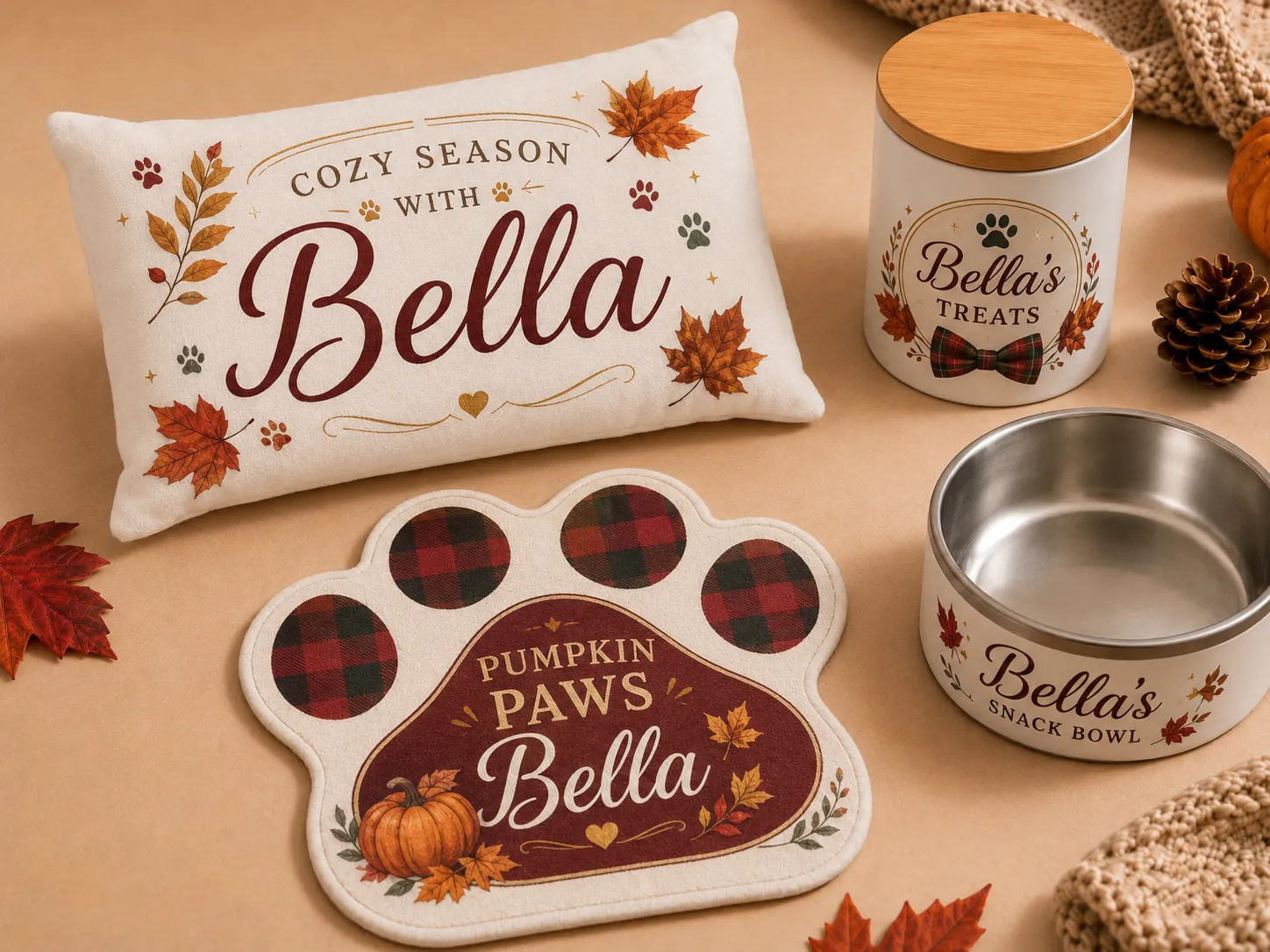
Pet owners are among the most passionate and loyal buyers in eCommerce, and personalized pet products make for a compelling Q4 gift category that's still relatively underserved in most stores.
Available products include: Dog Pillow, Dog Bowl, Treat Jar and Paw Rug
Best personalization ideas for this category:
- Pet portraits with AI photo effects (cartoon and watercolor styles work especially well)
- Pet name personalization on bowls and accessories
- Custom photo designs featuring the customer's pet
How to Create Your First Personalized Product with Customily and merchOne
Once you've decided which product category to start with, here's how to go from zero to a live personalized listing using Customily and merchOne.
Step 1: Connect Customily to Your Store
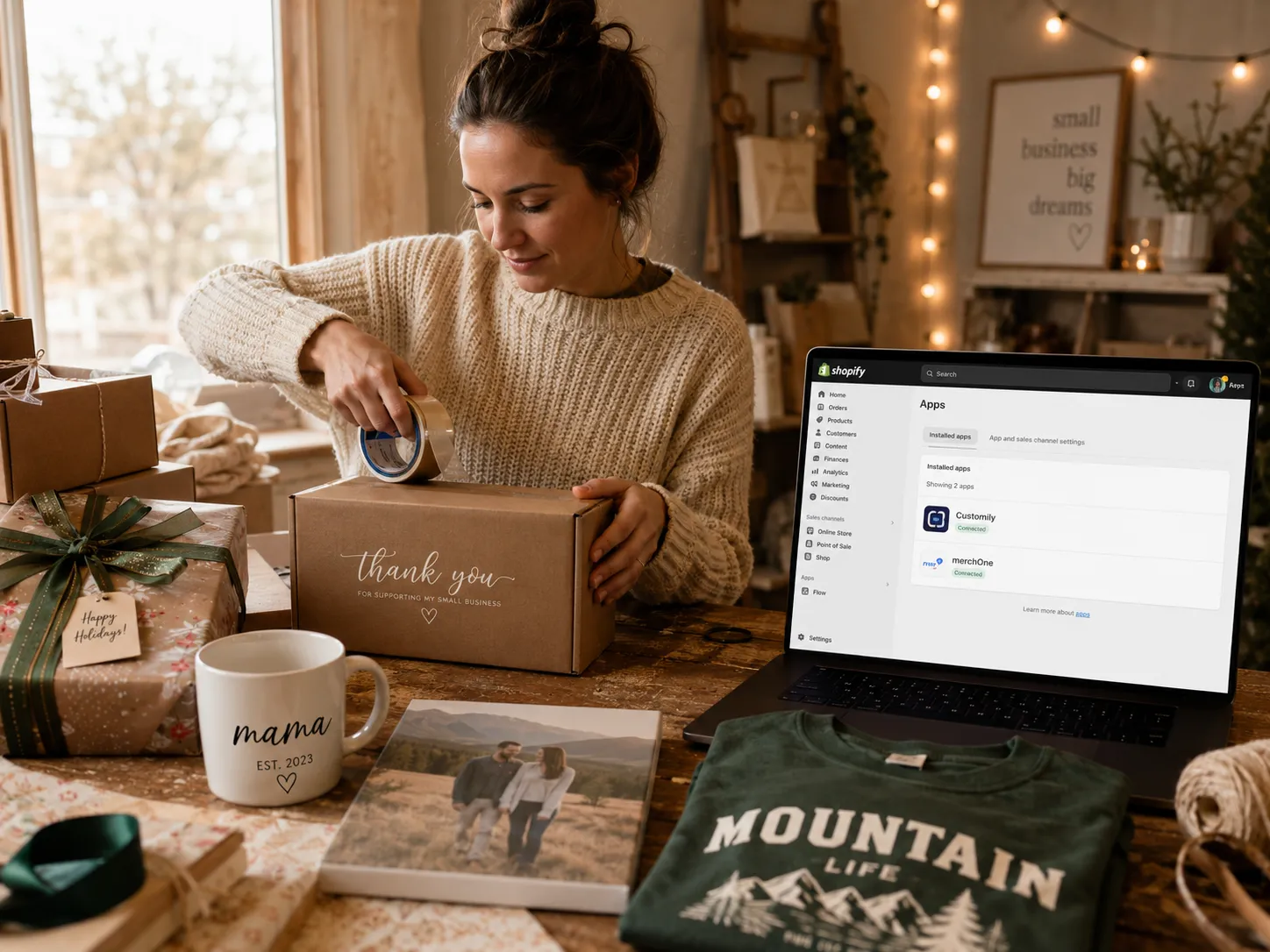
Install Customily on your eCommerce platform; whether that's Shopify, Etsy, WooCommerce, or any other supported platform. The setup process typically takes a few minutes and gives you immediate access to the full Customily dashboard.
Step 2: Connect the merchOne Integration
Inside Customily, navigate to the fulfillment integrations section and connect your merchOne account. You'll need one dedicated merchOne store per Customily storefront. Once connected, the full merchOne product catalog - 72 products across four categories - becomes available to use directly inside Customily.
Step 3: Build the Personalization Experience in the Design Studio
This is the core of the Customily setup. In the Design Studio, you design what the customer sees and interacts with on your product listing. You can add:
- Text fields (with font choices, colors, and character limits)
- Photo upload areas (with optional AI effects like cartoon, watercolor, or background removal)
- Specialty generators (star maps, street maps, crossword puzzles)
- Clipart, shapes, backgrounds, and color options
- Conditional logic to show or hide elements based on customer choices
You can also import already-made designs from your Canva account with just a couple of clicks, or use some of Customily’s royalty-free collection.
Step 4: Pick a Product from the merchOne Catalog
Browse the available merchOne products inside Customily and select the one you want to personalize. Import it into your Customily workspace: this pulls in the product details, print area dimensions, and available variants automatically.
Step 5: Add the design to the product
Select the customizable design you want to use (either a custom one, or one from Customily’s collection) and adjust it inside the print area of the product. Then, edit the product details before going live to your store: product title, description, prices, mockup photos and more. At this stage, also configure any surcharges for premium personalization options (such as AI effects or specialty generators) if you want to charge extra for those.
Step 6: Pre-Launch Checklist Before Going Live
Before publishing your listing, run through these essentials:
- Enable the DPI warning: this alerts customers if their uploaded image is too low-resolution for quality printing
- Order a physical sample from merchOne: essential for verifying print quality and catching any setup issues before real customers order
- Test your personalization flow end to end: including edge cases like very long names, low-resolution photo uploads, and unusual color combinations
- Write a clear returns policy specific to personalized items: custom products typically have different return rules than standard products, and customers should know this upfront
Step 7: Publish and Monitor
Once your listing is live, Customily handles the rest. When a customer personalizes and purchases, the print-ready file is generated automatically and routed to merchOne for production. Tracking syncs back to your store. Your job is to monitor listing performance and customer feedback in the early days, and iterate on the personalization experience if needed.
Q4 Launch Timeline: When to Do What
Timing is everything in Q4. Here's a practical framework for when to hit each milestone:
August: Setup and Sampling
- Connect Customily and the merchOne integration
- Decide which products and personalization types you'll lead with
- Build your first personalization experiences in the Design Studio
- Order physical samples for every product you plan to launch
September: Testing and Optimization
- Review physical samples and adjust print settings if needed
- Test the personalization flow thoroughly, including edge cases
- Write listing copy that tells the story around the product, not just describes it
- Finalize your returns policy for custom items
Before October 1: Halloween Listings Live
- Any Halloween-themed personalized products should be live by October 1 at the latest
- Halloween has a sharp cut-off, late listings miss the window entirely
Before Mid-November: Holiday Listings Live and Sampled
- Christmas and Hanukkah listings should be live with physical samples completed before mid-November
- merchOne extends production cut-off dates during Q4 so customers can order later and still receive in time, but your listings need to be live and optimized well before that window opens

How merchOne Handles Fulfillment When Volume Spikes
One of the most stressful parts of Q4 for any online seller is the operational side: keeping up with orders, managing production timelines, and making sure customers receive their products on time. This is where having a fulfillment partner like merchOne connected before the rush pays off.
merchOne operates in-house production facilities in Columbus (US), Latvia, Poland, and Germany. Orders fulfill from the facility closest to the customer - US domestic for US orders, within the EU for European orders - which eliminates cross-border delays and customs complications.
Combined production capacity across all facilities reaches 2.5 million products per day, with consistent quality standards across every location. For wall art and home décor products, merchOne supports those standards with HP Latex water-based inks and FSC-certified wood frames sourced from sustainably managed forests in Latvia. And during peak seasons, merchOne extends cut-off dates so customers can order later than usual and still receive on time for the occasion.
For Customily sellers, this means the fulfillment side scales with demand without requiring additional operational work. Orders route automatically, files are generated automatically, and tracking syncs back automatically. Your focus stays on your storefront and listings, not on managing production.
Building for Repeat Customers Beyond Q4
Q4 is the biggest opportunity, but it's not the only one. The sellers who grow most consistently are the ones who use Q4 as a foundation for year-round business.
Personalized products have a natural repeat purchase cycle: a customer who buys a custom mug as a holiday gift comes back for a birthday, then a Mother's Day gift, then a wedding present. The personalization experience - if it's smooth, high-quality, and delivers exactly what was shown in the preview - is what builds that loyalty.
Valentine's Day, Mother's Day, and Father's Day are all strong secondary peaks for personalized gifts, and merchOne extends its production cut-offs for those occasions too. Setting up your catalog well for Q4 means you're already positioned for the rest of the gifting calendar 🚀
Frequently Asked Questions
When should I start setting up my personalized products for Q4?
August is the ideal starting point. You need time to configure your personalization experience, order and review physical samples, test your full order flow, and get listings live and optimized before traffic spikes. Halloween listings should be live by October 1; Christmas and Hanukkah listings with samples completed by mid-November.
Which product categories should I start with?
For Q4, canvas and wall art drive high-intent search traffic and work well with star maps and portrait-style personalization. Mugs and blankets are gifting staples with broad appeal. If you want to start with one product, a personalized canvas or custom mug is typically the most straightforward entry point with strong seasonal demand.
How long does it take to set up a product in Customily?
Connecting the integration and loading the catalog takes approximately 5 minutes. Building the personalization experience in the Design Studio depends on complexity: a simple text-and-photo product can be configured in under an hour; a more complex product with multiple personalization options, conditional logic, and specialty generators may take longer. Plan extra time for sampling and testing before going live.
Do I need to prepare print files manually?
No. Customily generates the print-ready file automatically from the customer's personalization inputs and routes it to merchOne via API. No manual file preparation or order forwarding is required.
Why do I need to order a physical sample?
A physical sample is the only way to verify that your print settings, file output, and personalization configuration are producing the result you expect. Issues that are invisible on screen - color shifts, alignment, resolution - become apparent when you hold the product. Ordering a sample before launch prevents negative reviews and returns from real customers.
How does merchOne handle order spikes during Q4?
merchOne operates four in-house production facilities with a combined daily capacity of 2.5 million products. During Q4 and other peak gifting seasons, they extend production cut-off dates so customers can order later and still receive on time. For Customily sellers, the order flow is fully automated, no additional operational setup is needed to handle increased volume.
Can personalized products build repeat customers?
Yes, and they tend to do so more effectively than generic products. A customer who has a smooth personalization experience and receives a product that matches what they designed is highly likely to return for the next gifting occasion. Valentine's Day, Mother's Day, and Father's Day all represent strong secondary peaks that the same customer base will shop for.
What happens if a customer uploads a low-resolution photo?
Customily includes a DPI warning feature that alerts customers when their uploaded image is below the resolution threshold for quality printing. Enabling this before launch reduces the likelihood of orders being placed with files that won't print well, which protects both the customer experience and your review score.