Table of Contents
Personalize your Shopify products
Install for freeApril showers bring… new Customily features! ☔ This month we’ve added exciting personalization upgrades and handy improvements to make your store bloom with possibilities.
Let’s dive into what’s new! 🚀
🧑✂️ Face Cutout by Customily Just Got a Major Upgrade!
Our Face Cutout feature has been significantly improved — it's now more accurate, faster, and delivers cleaner results.
A smoother experience for you and your customers!
✅ 100% included with Customily – no extra apps, no hidden fees! 🔥💡
Give it a try and see the difference. 😎🖼️✨
👉 Check how it works here.
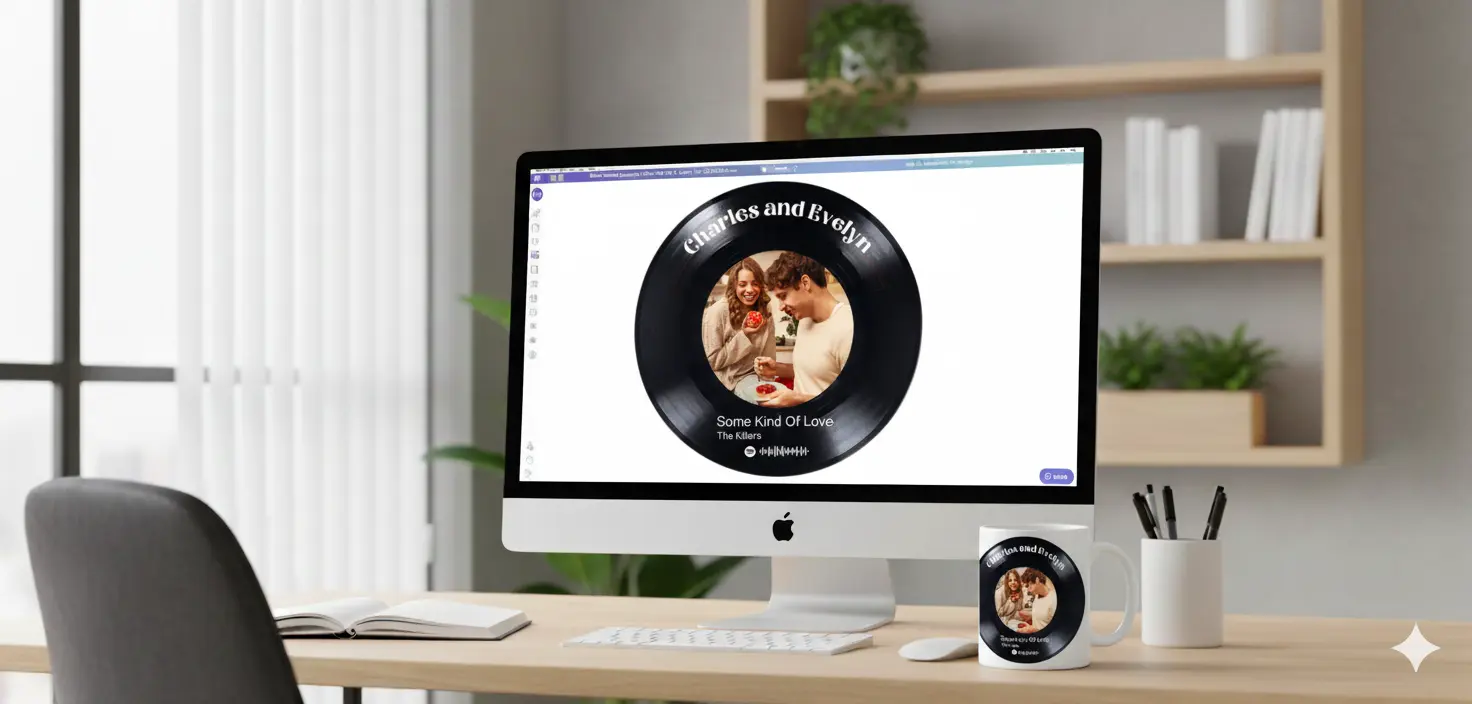
🎧 New: You can now use your own Spotify credentials
By default, Customily uses our own Spotify API credentials to power the Spotify player in the Design Studio — so everything works even if those fields are empty in your account.
However, during periods of high traffic (when lots of customers are searching for songs), Spotify may temporarily block our keys. This can cause the player to stop working.
🛠️ Now there's a fix — you can add your own Spotify credentials!
If you notice the player isn’t working (for example, you type a song and see a “Too many requests” error), you can switch to using your own credentials to avoid rate limits.
To do that, just go to Account → Integrations and enter your Spotify API keys.
👉 How to create your Spotify app and get your keys: https://developer.spotify.com/documentation/web-api/tutorials/getting-started#create-an-app
📢 Cross-Selling! Offer Related Personalized Products in the Cart 🛒
🛍️ Now available in Customily for Shopify stores!
⚙️ What it does
- It allows you to cross-sell in the cart by automatically offering related products that are already personalized when a customer adds a personalized item to their cart.
⚙️ How to Set It Up
- Go to Store > Products > Selling Groups.
- Add the first trigger product and select the related offer products.
- All products in the group must share the same Option Set
- Any product can act as a trigger or an offer.
- Assign a Group Name (internal) and a section Title (shown in cart).
- Publish the Selling Group.
- One-time setup: ensure 'Show suggestions in the cart' is enabled under Store Settings > Advanced.
👉 Check how it works here.
Access Management for Option Sets & Stores 🔐🛍️
In addition to existing resource access management, we've just released access management for Option Sets and Stores! 🔐🛍️
👉 Check how it works here.
Smart Alignment Guides in the Design Studio 🎨📏
Easily align your designs with smart guidelines! 🎨📏 The Design Studio now features alignment guides that appear as you move elements, helping you position them with precision.
👉 Check how it works here.
🎨 Stroke Your Text with New Color Options! ✏️✨
Let your customers add a personal touch with our new Stroke Color Options! 🎨✨ Now they can outline their text in the colors they love, making their creations stand out even more.
👉 Check how it works here.
Need Help?
Our team is always here for you. If you have any questions or want to see these features in action, just reach us at support@customily.com.
Try all our new features now inside Customily Studio and let us know what you think 🤩
Happy customizing! ⭐