Table of Contents
Personalize your Shopify products
Install for freeAmazon is more competitive than ever. Millions of sellers are fighting for the same eyeballs on generic, commoditized products; and winning on price alone is a race to the bottom. But there is one strategy that consistently breaks through the noise, commands higher margins, and builds lasting customer loyalty: personalization.
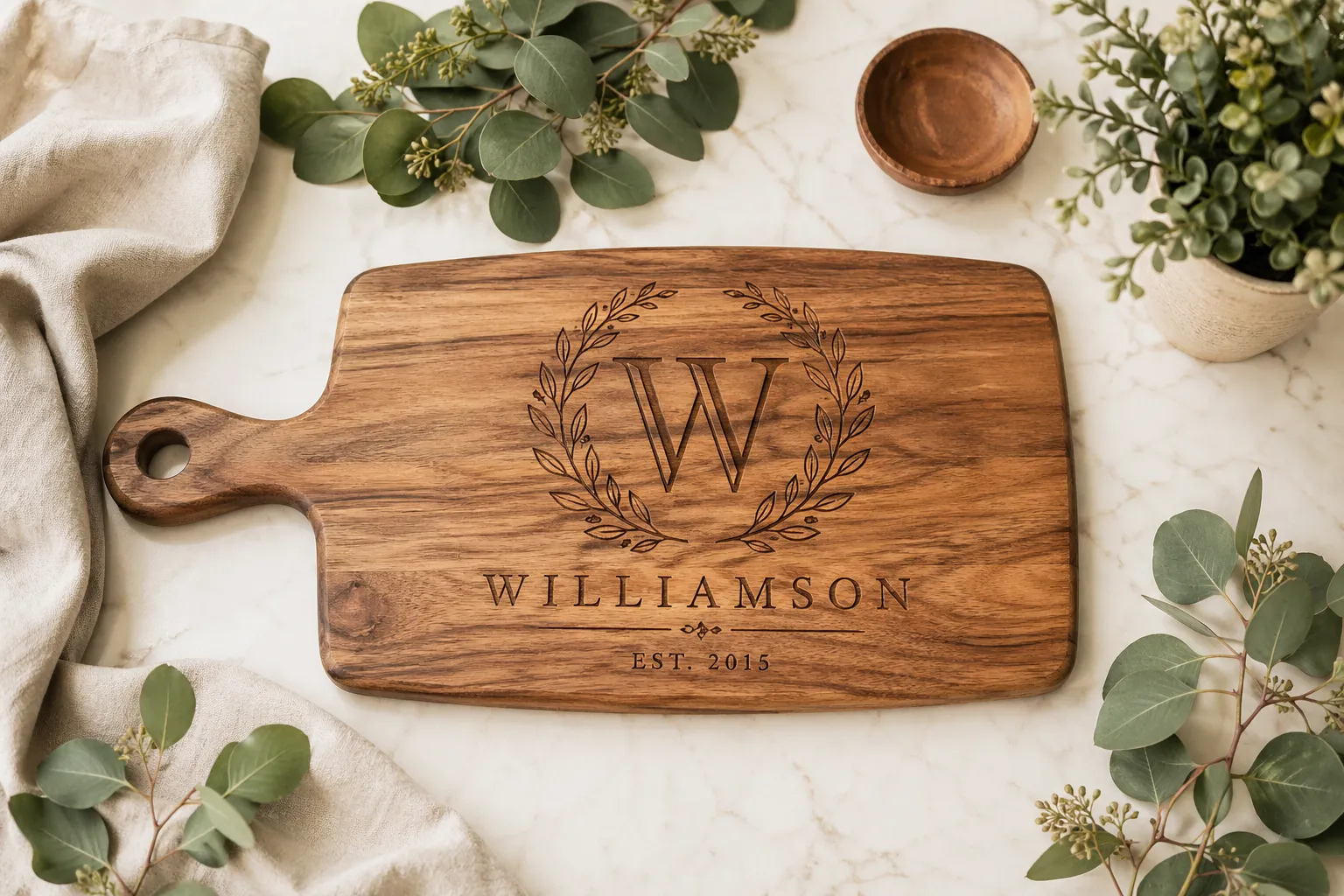
Personalized products are not a trend. They are a fundamental shift in consumer expectations. Shoppers today want items that feel made for them: a cutting board engraved with their family name, a phone case with their dog's photo, a tumbler with a heartfelt message for a friend's birthday. These purchases carry emotional weight that no generic product can replicate.
For intermediate Amazon sellers ready to scale, this represents a massive opportunity. If you have already proven you can move product and manage operations, adding personalization to your catalog can dramatically increase your average order value, reduce return rates, and create a defensible niche that competitors cannot easily copy.
This guide will walk you through everything you need to know: why personalization matters on Amazon, what your options are, and specifically how to implement it efficiently using Customily, one of the most powerful personalization tools built for Amazon sellers.
Why Personalization Is the Next Big Opportunity on Amazon
Higher Margins, Less Price Pressure
When a customer searches for a generic product, price is often the deciding factor. But when they are looking for a personalized item - one engraved with a specific name, customized with a specific date, or designed around their unique request - they are not shopping for the cheapest option. They are shopping for the best execution of their vision.
This fundamentally changes the pricing dynamic. Personalized products routinely sell at 2x to 5x the price of their non-personalized equivalents, with customers expecting - and willing to pay - a premium. The cost of personalization (especially with modern software and on-demand printing) is often minimal compared to the price increase it justifies.
Lower Return Rates
One of the quiet profit killers on Amazon is returns. Generic products get returned because they did not meet expectations: wrong size, wrong color, wrong feel. Personalized products, by contrast, are built to spec. The customer chose the name, the font, the message, the layout. They are far less likely to return something they actively designed.
This means your landed margin is not just higher on the front end, it stays higher because you are not absorbing the operational cost of returns and restocking.
A Defensible Niche
When you compete on generic products, anyone can undercut you by manufacturing a similar item in the same factory and listing it for less. Personalization builds a different kind of moat. Your production workflow, your design templates, your fulfillment partnerships, and your brand reputation for quality customization are all assets that take time to replicate.
Amazon's own data has consistently shown that shoppers who buy personalized products have higher lifetime value and stronger brand affinity. You are not just making a sale, you are building a relationship.
Growing Demand, Still Underserved
Search volume for personalized products on Amazon has grown year over year across categories including home goods, apparel, gifts, pet accessories, and office supplies. Yet the quality of personalization available from most sellers remains inconsistent. Buyers frequently complain about pixelated previews, slow turnaround, or products that do not match the mockup they approved.
This is a market gap. Sellers who can deliver a smooth, high-quality personalized experience - from a clear customization interface to accurate production - will consistently win the Buy Box and the reviews that come with it.

How Amazon Handles Personalization: What You Need to Know
Amazon Custom Feature
Amazon has a native feature called Amazon Custom that allows sellers to add customization options to their listings. Through this program, buyers can submit text, images, or select from predefined options directly on the product detail page before adding to cart.
The good news: Amazon handles the customization input natively, meaning buyers see a familiar interface and you do not need to redirect them off-platform.
The challenge: the raw data that Amazon passes to you is just that, raw data. A name, a string of text, an uploaded image. Amazon does not produce a print-ready file or tell your printer what to do with it. That production workflow is entirely on you.
The Production Gap
This is where many sellers stumble. They successfully set up the Amazon Custom listing, start getting orders with customer instructions, and then realize they have no scalable way to turn 'Please engrave: Happy Birthday Mom, Love Sarah' into a production-ready file that goes to their manufacturer or printer without manual intervention.
At low volumes, this is manageable, a designer or a VA handles each order by hand. But as you scale to dozens or hundreds of personalized orders per day, manual production becomes a bottleneck that chokes your growth and introduces errors.
This is the exact problem that tools like Customily are built to solve.
Your Options for Selling Personalized Productson Amazon
Option A: Manual Fulfillment
The simplest starting point. A customer places an order, provides their customization instructions, and you (or a team member) manually create the artwork or production file, then send it to your manufacturer.
- Pros: Zero tech setup, works immediately, full creative control.
- Cons: Does not scale, error-prone, time-intensive, inconsistent quality, difficult to handle volume spikes.
Best for: Sellers in early testing phase, or extremely high-ticket items where bespoke production is part of the value proposition.
Option B: Print-on-Demand Platforms
Services like Printful, Printify, and Gelato allow you to sell custom-printed products without holding inventory. The customer places an order, the platform handles printing and shipping, and you earn the margin.
- Pros: No inventory, low overhead, wide product catalog.
- Cons: Limited customization depth (often just text or image overlays), lower margins, less control over quality, not natively integrated with Amazon's Custom feature.
Best for: Sellers focused on apparel, posters, and mugs who want a low-barrier entry to print-on-demand.
Option C: Custom Software Integration
Some larger sellers build or commission proprietary tools that connect their Amazon store to their production workflow: custom APIs, internal dashboards, automated file generation. This is powerful but expensive and requires significant technical resources.
- Pros: Fully customized to your workflow, maximum control.
- Cons: High upfront cost, requires development and maintenance resources, long build time.
Best for: Enterprise-level sellers with dedicated tech teams.
Option D: Customily (The Best of Both Worlds)
Customily is a dedicated product personalization platform built specifically for e-commerce sellers, with deep native integration for Amazon. It sits between your Amazon storefront and your production workflow, automating the process of turning customer customization inputs into print-ready production files.
Unlike manual fulfillment, it scales. Unlike generic print-on-demand platforms, it supports deep, complex personalization across a wide range of product types. And unlike custom software, it is ready to deploy without a development team.
And that's not all, with Customily, you have two options to sell personalized products, so depending on your business goals, you can pick which option to use (or even both at the same time, on different products!)
We will explore exactly how Customily works, and how to set it up for your Amazon store, in detail in the sections that follow.

Introducing Customily: What It Is and How It Works
What Is Customily?
Customily is a SaaS personalization platform designed for product sellers. At its core, it provides two things: a real-time product designer that customers use to configure their personalized item, and an automated production engine that turns those configurations into print-ready or production-ready files.
But here is what most sellers do not realize when they first discover Customily: there are actually two distinct ways to use it with Amazon. Each has its own workflow, its own strengths, and its own ideal use case. Choosing the right mode for each product is one of the most important decisions you will make in your personalization setup.
Mode 1: Customization by Amazon, Production File by Customily
In this mode, the buyer personalizes their product directly on the Amazon listing, using Amazon's native Amazon Custom feature: text fields, image upload, dropdown selections, and so on. They complete their customization before placing the order, all without leaving the Amazon platform.
Once the order is placed, Amazon passes the customization data to Customily's Order Dashboard. You import that data using Order Reports from Amazon, and Customily automatically generates the production-ready file by applying the customer's inputs to your pre-designed template. The file is then ready to download and send to your manufacturer, laser engraver, embroiderer, printer, or fulfillment partner.
In this mode, Customily's role is exclusively on the production side: it receives the inputs, applies the template, and generates the file. The buyer's entire experience happens within Amazon.
When to use Mode 1: Choose this when you want the entire purchase experience to happen inside Amazon, with no external steps for the buyer. It is frictionless, familiar, and works well for products with straightforward personalization, a single name, a date, a short message.
The key limitation to understand: The customization interface is Amazon's native one; functional, but basic. There is no real-time preview, personalization options are limited by what Amazon Custom supports, and the visual experience is significantly simpler than what Customily's own editor can offer.
If you want to learn more about how to set up this option, you can find a complete guide here.
Mode 2: Customization by Customily (Post-Purchase)
In this mode, the buyer purchases the product on Amazon without personalizing it at the time of purchase. After the order is placed, they receive an email with a link to complete their personalization inside Customily's full design interface.
This is where Customily's real power becomes visible. The buyer accesses a rich, interactive editor with real-time product preview, multiple personalization zones, image upload with cropping and adjustment tools, font and color selection, clipart libraries, design effects, and much more. Once they are happy with their design and confirm it, Customily generates the production file automatically.
This mode unlocks the full capability of the platform: sophisticated, visually rich personalization experiences that are simply not possible within the constraints of Amazon Custom.
When to use Mode 2: Choose this for products that are visually complex or have many personalization options, where a real-time preview is essential for buyer confidence, or where Amazon Custom's capabilities are not enough to capture everything your product offers.
The trade-off to be aware of: This mode adds a post-purchase step. Buyers need to follow the link, open the Customily editor, and complete their design. Most motivated buyers do this without friction, but it is an extra action outside of Amazon; and occasionally, buyers do not complete it, which creates a fulfillment issue you will need a process to handle.
If you want to learn more about how post-purchase personalization works, you can read it here.
Which Mode Should You Use?
The right answer depends on your product. A straightforward engraved keychain with a name and date is a great candidate for Mode 1, the personalization is simple, no preview is needed, and keeping the buyer inside Amazon maximizes conversion. A complex custom portrait, a fully designed family print, or a product with dozens of layout and color options is a natural fit for Mode 2, the richer editor justifies the extra step, and buyers actually want to see what they are getting before it goes to production.
Many sellers use both modes across their catalog, choosing the right approach product by product. Understanding this distinction up front will save you a significant amount of rework later.
Template Design: The Foundation of Both Modes
Regardless of which mode you use, every personalized product in Customily is built on a template. This is where you define what the product looks like, which elements can be personalized, and how customer inputs are rendered in the final output.
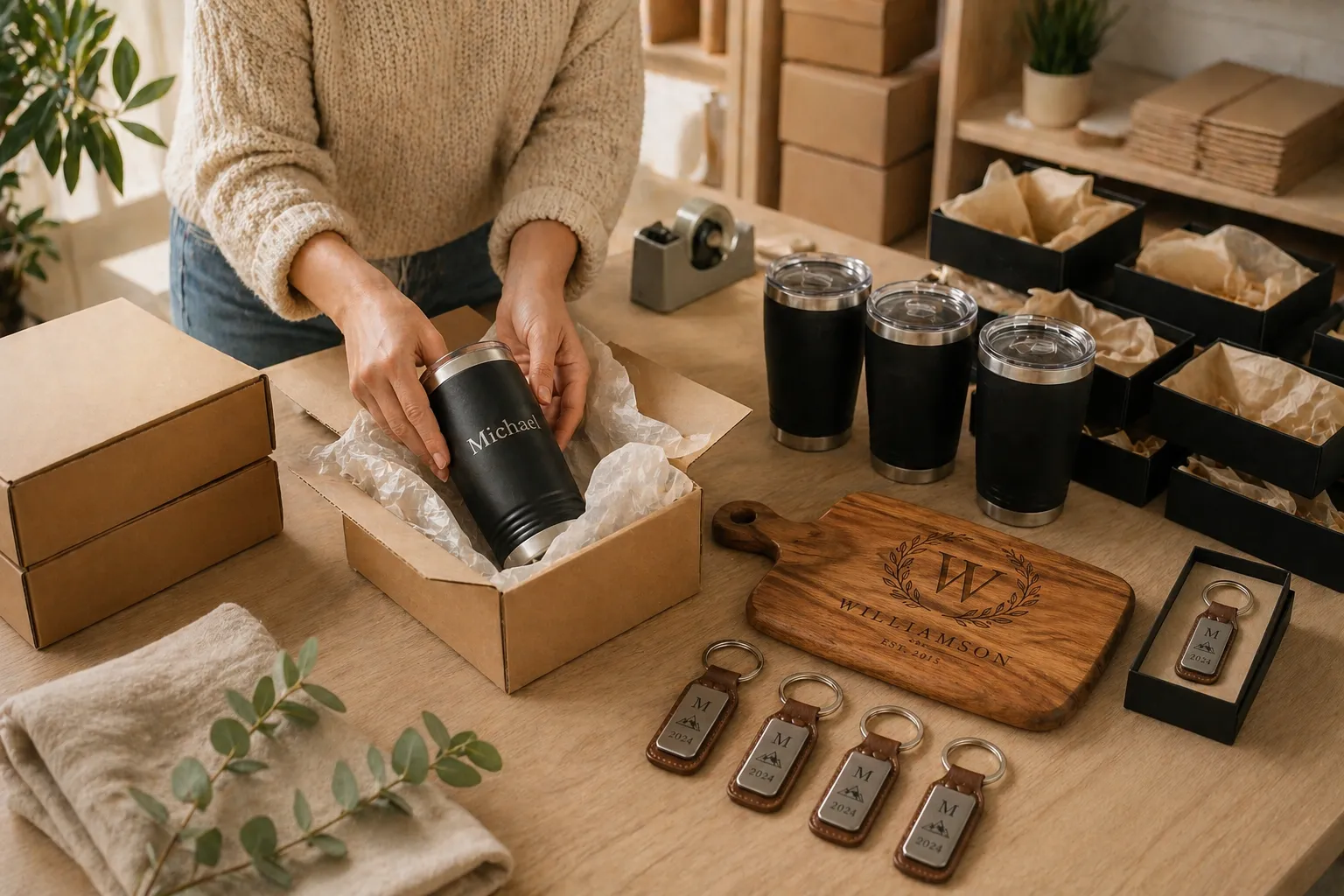
For example, if you sell engraved cutting boards, you would set up a template showing the cutting board, define the text zones (where names go, where dates go), choose fonts and size limits, and specify the output format your engraver requires. Once that template is live, every order processed against it generates a consistent, production-ready file automatically.
Templates support as much complexity as your product demands: a single text field, multiple personalization zones, image upload areas, color selectors, pattern choices, and more. The time you invest in building solid templates pays dividends every time an order comes through.
Production File Automation
This is Customily's most powerful capability for scaling sellers. Once your templates are configured, the platform generates production files without human input. It supports the formats your production partners actually need: SVG for laser cutters and engravers, high-resolution PNG or PDF for printers, DXF for CNC machines, and more. Your job as a seller shifts from manually processing each order to managing the system that processes them automatically.
Setting Up Customily for Your Amazon Store
Step 1: Set Up Amazon Custom on Your Listings (for Mode 1)
Before Customily can do its job, you need to enable Amazon Custom feature on the relevant product listings. This is done through Seller Central. Navigate to Manage Inventory, pick the product you want to customize, click on the three dots and Add or Edit Customization Information. From there you can configure what customization inputs you want to collect from buyers: text fields, image uploads, dropdown selections, and so on.
Be thoughtful about what you ask customers to provide. The information you collect here is what Customily will use to populate your production template. If you need a first name, a last name, and a date, make sure those are separate fields so Customily can place them independently in the design.
Step 2: Connect Customily to Your Amazon Account (for both modes)
Head to Customily and create an account: there is a 9-day free trial so you can test the full platform before committing. Once you are in, go through the authorization flow that connects your Amazon Seller Central account to your Customily workspace. From this point, Customily can receive order data directly from Amazon as orders are placed.
Step 3: Build Your Product Templates
With the integration live, you can begin building templates for each of your personalized products. Customily's template editor is visual and drag-and-drop based; you import your product image or design, define the customizable zones, set fonts and constraints, and preview how different inputs will look in the final output.
It is worth investing real time here. A well-built template is the foundation of your automated production workflow.
In your template settings, you specify the output format for production files. This will depend on your manufacturer or fulfillment partner. Talk to them in advance to confirm exactly what file format, resolution, and color profile they need. Getting this right up front prevents production errors after launch.
Step 4: Connect your Customily Template With Your Amazon Listing
Once your template is ready, you need to connect it to your Amazon listing and generate the option sets within Customily. Under Product Variants / Advanced in your Customily settings, enable Connect Amazon Custom Personalization for that product.
This step is critical and easy to miss: if you do not enable this connection, what will happen is that customers who place an order will receive an email to complete their personalization after purchase, which is Mode 2 behavior. If you intend to use Mode 1 (customization at time of purchase on Amazon), make sure this connection is properly configured.
Step 5: Test End-to-End Before Going Live
Before driving traffic to your personalized listings, run a complete end-to-end test. Place a test order through Amazon with sample customization data, confirm that Customily receives the order correctly, verify the production file it generates matches your expectations, and confirm the file would be ready to send to your production partner.
This testing phase is where you catch misalignments between what Amazon collects, what Customily processes, and what your manufacturer needs. It is much better to find these issues in testing than to discover them when real customer orders are affected.
Scaling Your Personalized Product Business
Start Narrow, Then Expand
If you are adding personalization to an existing catalog, do not try to personalize everything at once. Choose two or three products that are naturally suited to customization; items that have gift appeal, that customers frequently want with names or dates, or that are already selling well in a non-personalized format.
Launch those, refine your workflow, collect reviews, and understand what customers respond to. Then systematically expand to more products, more categories, and more complex personalization options.
Leverage Reviews as Social Proof
Personalized products tend to generate highly emotional, highly positive reviews. Customers are not just reviewing a cutting board, they are reviewing the experience of giving something meaningful. These reviews are powerful marketing assets.
Feature them prominently in your product images and A+ content. Where possible, include lifestyle imagery showing personalized products in use. Social proof from real buyers is one of the most effective conversion tools available to Amazon sellers.
Optimize Your Fulfillment SLAs
One of the complexities of personalized products is that customers expect them quickly, but production takes longer than picking a pre-made item from a shelf. Be transparent in your listing about production time, and make sure your fulfillment SLAs are achievable and consistently met.
As you scale with Customily's automation, your production lead time should actually decrease compared to manual workflows. Use this as a competitive advantage: faster, accurate personalization beats slower competitors who are still processing orders by hand.
Expand Your Template Library Strategically
Within Customily, your template library becomes a strategic asset. As you build more templates, you increase the number of SKUs you can serve without proportionally increasing labor. A seller with 50 well-designed templates in Customily can handle far more order volume than a competitor manually processing each order.
Think about templates not just by product, but by occasion and category. Wedding templates, birthday templates, pet-themed templates, holiday templates, each represents a cluster of potential buyers searching for gifts in that context.
Pricing Strategy for Personalized Products
As you scale, resist the temptation to compete on price within the personalized segment. Your differentiation is quality, reliability, and the emotional value of the personalized experience. Price accordingly.
Test your price floors and ceilings. Many sellers find that modest price increases on personalized products have minimal impact on conversion but significantly improve margin. If your reviews are strong and your product images show the quality of your work, customers will pay more.
Common Mistakes to Avoid
- Mistake 1: Launching without testing end-to-end. The most common failure mode is sellers who configure Customily and their Amazon listing without doing a thorough end-to-end test. The result is production files that do not match customer expectations, or orders that fall through the workflow entirely.
- Mistake 2: Collecting too many customization fields. More options are not always better. If a customer has to fill out six fields to complete their personalization, many will abandon. Keep your customization inputs as simple as possible while still delivering the personalized experience your buyers want.
- Mistake 3: Ignoring production file format requirements. Every manufacturer has specific requirements for production files. Do not assume a PDF or PNG will work: confirm with your production partner in advance and configure Customily's output accordingly.
- Mistake 4: Underestimating customer service complexity. Personalized orders generate more customer service inquiries than standard ones. Typos, change-of-mind requests, and delivery timing questions are common. Have clear policies in place and a process for handling them before you scale.
- Mistake 5: Failing to update templates as your catalog evolves. As you update your product designs or work with new manufacturers, your Customily templates need to stay current. Outdated templates that no longer match your actual product will produce errors and unhappy customers.
Conclusion: Personalization Is a Long-Term Strategy, Not a Shortcut
Adding personalized products to your Amazon business is not a quick fix; it is an investment in a more defensible, higher-margin, more customer-centric catalog. The sellers who win in this space are the ones who take it seriously: building quality templates, testing thoroughly, delivering consistently, and systematically expanding their personalized offerings over time.
Tools like Customily make this genuinely scalable. What once required a team of designers manually processing each order can now run with a lean operation powered by smart automation. Your job shifts from doing the work to designing the system, and the system does the work.
If you are an intermediate seller ready to grow, personalization is one of the clearest paths to higher revenue, stronger brand equity, and a position in the market that competitors cannot simply undercut. The infrastructure exists. The demand is there. The question is whether you are ready to build it.
Ready to get started? Install Customily and begin building your first personalized product template. With the right setup, your first automated personalized order could be flowing within days.
Happy selling!
Frequently Asked Questions
Do I need a Professional Amazon Seller account to sell personalized products?
Yes. Amazon Custom feature is only available to sellers with a Professional selling plan. Individual accounts do not have access to the customization tools required to collect personalization inputs from buyers at checkout. If you are on an Individual plan and serious about scaling personalized products, upgrading to Professional is a necessary first step.
Can I use Customily if I already work with a print-on-demand supplier?
Absolutely. Customily is designed to work alongside your existing production and fulfillment partners, including print-on-demand services. Rather than replacing your supplier, it sits between your Amazon store and your supplier's workflow, automating the production file creation so that the right file reaches the right partner for every order. Some print-on-demand platforms even have direct integrations with Customily, which can further streamline the process.
What types of products work best with personalization on Amazon?
The strongest categories for personalized products on Amazon tend to be gifts (any occasion), home décor, kitchen and barware, pet accessories, apparel, jewelry, baby and nursery items, and office or stationery products. The common thread is emotional value, products that buyers want to feel personal and unique. If your product has a surface that can carry a name, a date, a photo, or a message, it is a strong candidate for personalization.
How long does it take to set up Customily for my Amazon store?
The technical integration between Customily and Amazon Seller Central can be completed in minutes. The more time-intensive part is building your product templates, designing the layout, defining customization zones, setting fonts and constraints, and testing outputs. A simple single-text-field template can be ready in under an hour. Complex templates with multiple zones, image areas, and design options may take a full day or more to build and test properly. Plan for a few days total from account setup to your first live personalized listing.
Is Customily suitable for sellers who are not technically savvy?
Customily is designed for sellers, not developers. The template editor is visual and drag-and-drop based, and the Amazon integration uses a guided authorization flow rather than requiring API coding. That said, there is a learning curve, particularly around production file configuration and understanding how your customization fields map to your template. Customily offers documentation, tutorials, and customer support to help sellers through the setup process.
Can I offer multiple personalization options on the same product, for example, different fonts or colors?
Yes. Customily supports multi-option templates where buyers can choose from predefined selections in addition to entering custom text or uploading images. For example, you could offer three font styles, four ink colors, and a text field for a name, all on the same product. Each combination generates a unique production file automatically. This kind of flexibility allows you to offer a richer personalized experience without adding complexity to your production workflow.