Table of Contents
Personalize your Shopify products
Install for freeAI has changed what shoppers expect from a personalized product. They don't just want their photo on a mug anymore. They want it cleaned up, cut out, restyled, or generated from a few words, and they want to see the result before they buy.
The good news: you don't need a stack of separate apps to offer that. These are the five AI tools that matter most for personalized product sellers going into 2027, all running directly on your product page through Customily, on Shopify, Etsy, WooCommerce and Amazon. Two of them are completely free.
Most of them got major upgrades in 2026. Here's what each one does, what's new, and how to set it up.
1. Free Remove Background
Cost: Free, built in, no API key.
Best for: pet portraits, apparel, photo stickers, acrylic standees, any design where the subject sits on a colored background
Background removal is the foundation of almost every photo product. Shoppers upload photos with messy living rooms, busy streets or bad lighting, and the AI isolates the subject automatically so it fits your design.
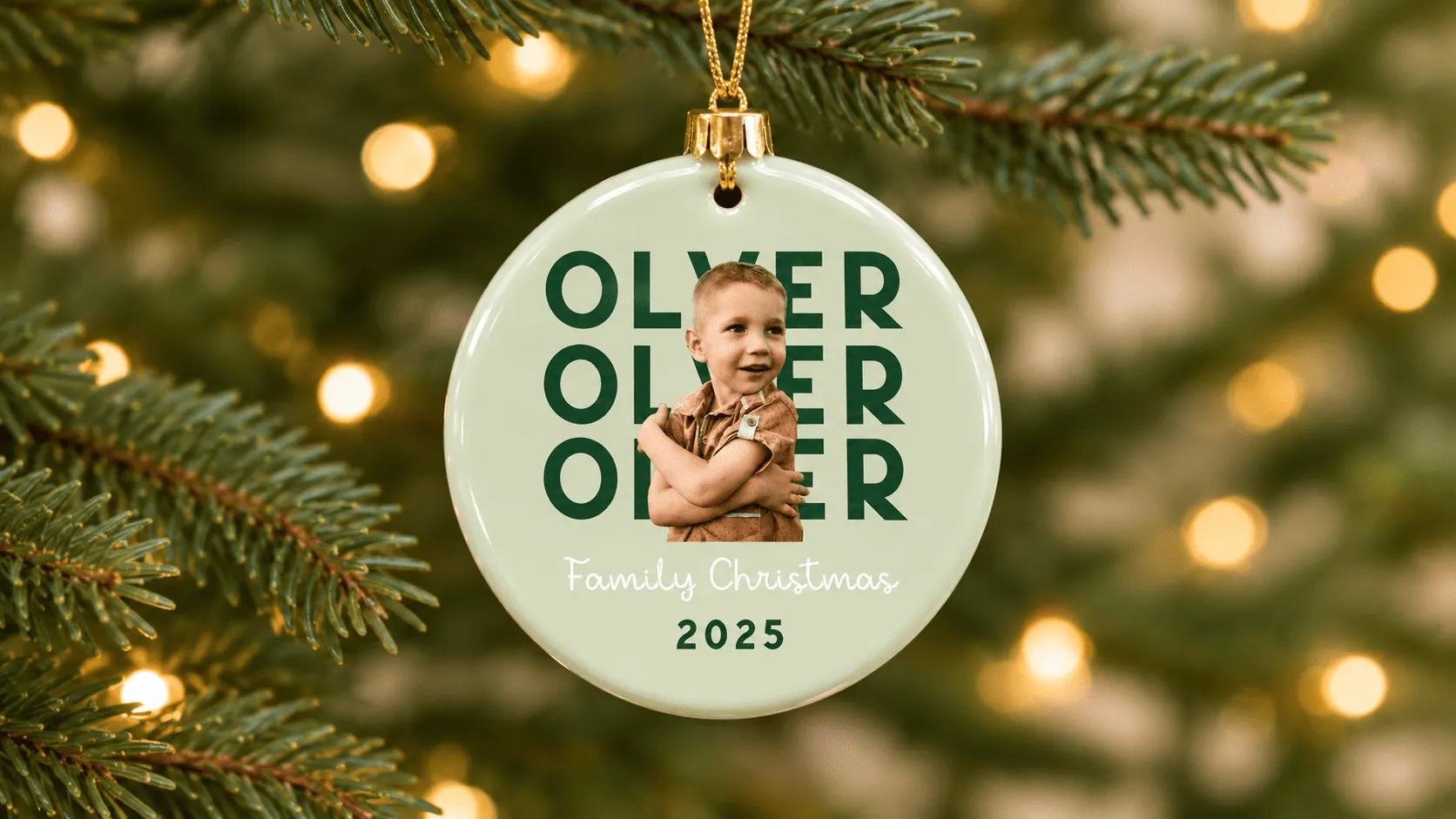
What's new: rebuilt for print
A cutout that looks fine on screen can fail on fabric. A faint white border around the subject is almost invisible in a preview, but on a dark t-shirt or a DTF transfer it prints as a visible halo. In October 2026 we upgraded Remove Background with that in mind:
- Cleaner, more natural edges. Improved edge smoothing follows hair, fur and soft outlines more closely.
- No more thin white border around images after background removal.
- Better results on UV, DTG and textile DTF, the print methods where that border caused unexpected artifacts.
- Quality comparable to paid tools. In our internal testing, results are now similar to Cutout.Pro, without the per-image cost.
- New Crop empty areas setting. Automatically trims the empty transparent space around the subject after the background is removed, so the pet, person or object fills the design area at the right size, with no manual resizing.
Prefer a third-party service? You can still choose Cutout Pro or Remove.bg from the provider dropdown.
To see how background removal fits into the full photo upload experience, read our photo product customization tool guide.
Bonus: a built-in safety net for external providers
If you use Cutout.Pro or Remove.bg, your product page depends on their uptime. Since October 2026, Customily includes a built-in fallback: if the external service fails for any reason, Customily automatically processes the image with its own built-in effect, at no extra cost, so shoppers can still finish their purchase. Turn it on in Account > Integrations. It also covers Face Cutout.
Pro tip: if an AI effect returns a solid background (common with some OpenAI models), stack the free Remove Solid Background effect after it for a transparent result.
2. Free AI Face Cutout + Smart Face Placement
Cost: Free, built in, no API key.
Best for: face-in-a-design gifts like superhero shirts, elf ornaments, funny socks, caricature mugs and sports posters
Face Cutout detects the face in the shopper's photo and isolates it, so you can drop it into any character, costume or illustration. It's one of the most shareable personalized product formats, and it's free in Customily.
What's new: Smart Face Placement
Every photo is different. Long hair, hats or a voluminous hairstyle make the cutout bigger, so the face ends up smaller and off-center, and you only notice once the order is in production.
Smart Face Placement fixes that. Instead of positioning the whole cutout, Customily detects the face itself and scales and aligns it to the area you define. Faces come out at a consistent size, whatever the hairstyle. The result: a better shopper experience, fewer manual fulfillment adjustments and less risk of returns.
It works on all platforms, with both Face Cutout by Customily (free) and Face Cutout by Cutout Pro.
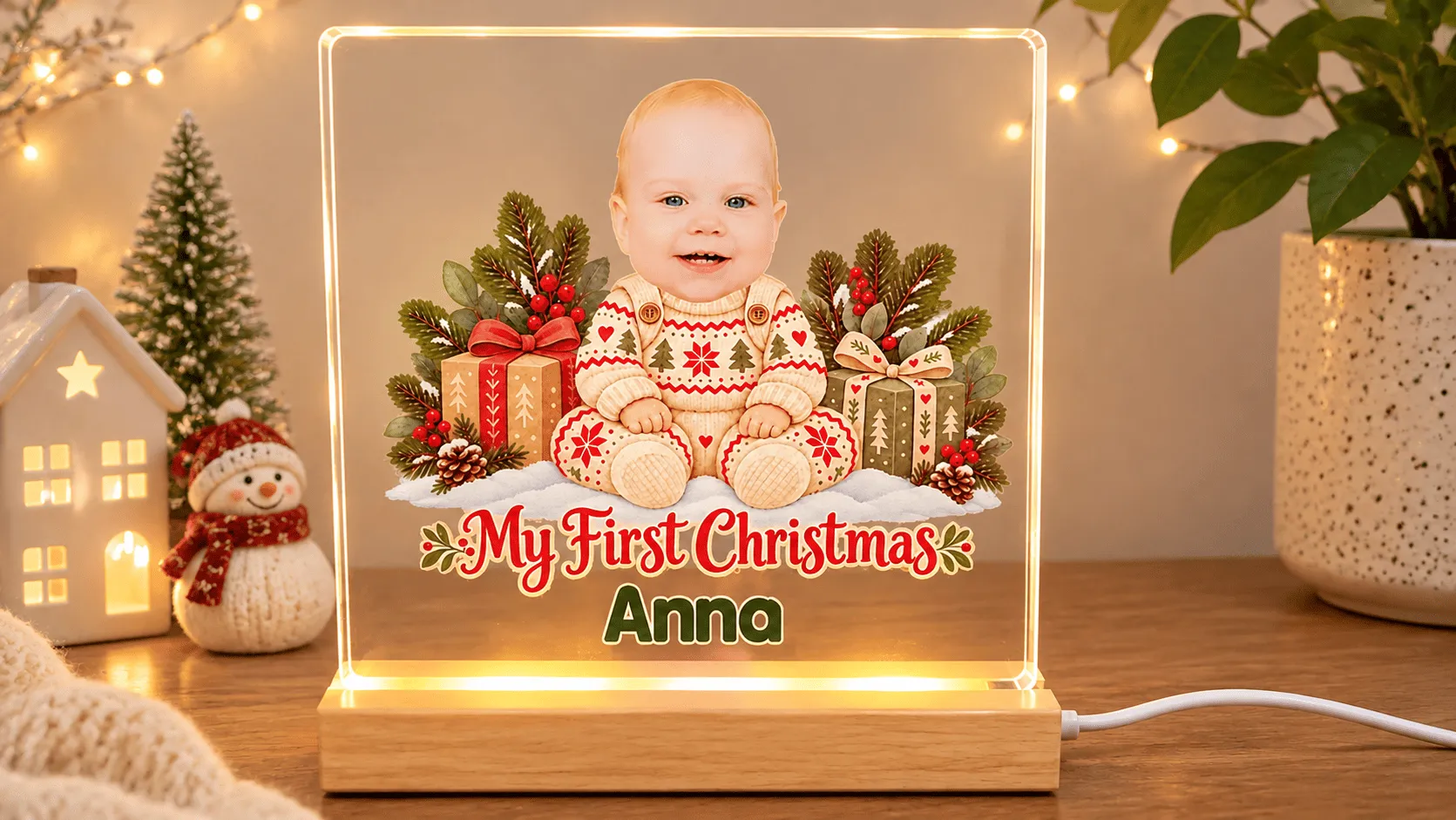
How to set it up:
- In your Template, select the Image placeholder and add the Face Cut Out effect.
- Turn on Smart Face Placement and click Apply Effect.
- Under Image Behavior, click Set Initial Size & Position.
- Cover the face from the eyebrows to the chin, not the whole head or hair.
- Test with several photos (short hair, long hair, a hat) and fine-tune.
Note: initial size and position can only be set in Templates, not Designs.
Need face cutout product ideas? See Create AI-Powered Personalized Products in Minutes.
3. AI Photo Effects (Photo to Image)
Cost: Paid per use through your own AI provider API key.
Best for: pet portraits, family gifts and couples' keepsakes in cartoon, 3D, Renaissance, watercolor or any custom style
Photo to Image transforms the photo a shopper uploads. An old photo of their grandparents becomes a vintage oil painting, their kids become 3D cartoon characters, their wedding photo becomes a hand-painted illustration. You can start from a ready-made Style Modifier prompt or write your own Custom Prompt.
Want the full list of styles and how effects work? See our AI Filters and Effects overview.
Your choice of provider, model and output
One AI model rarely fits every product. A model that nails watercolor portraits may struggle with cartoon pets. That's why Customily's AI effects aren't locked to one engine:
- Pick your provider: Gemini (including Nano Banana), OpenAI, or OpenRouter, which opens access to image models from many AI developers.
- Pick the model that works best for each product, and switch anytime.
- Start from a ready-made style prompt or write your own, and add a reference image to guide the look.
- Control the output: aspect ratio, resolution, quality and background, depending on the model.
That lets you match the engine to the product: test two models on the same prompt on your best seller, then keep the one that converts.
Effects are stackable, too. Remove the background first, then apply a cartoon style, for example.
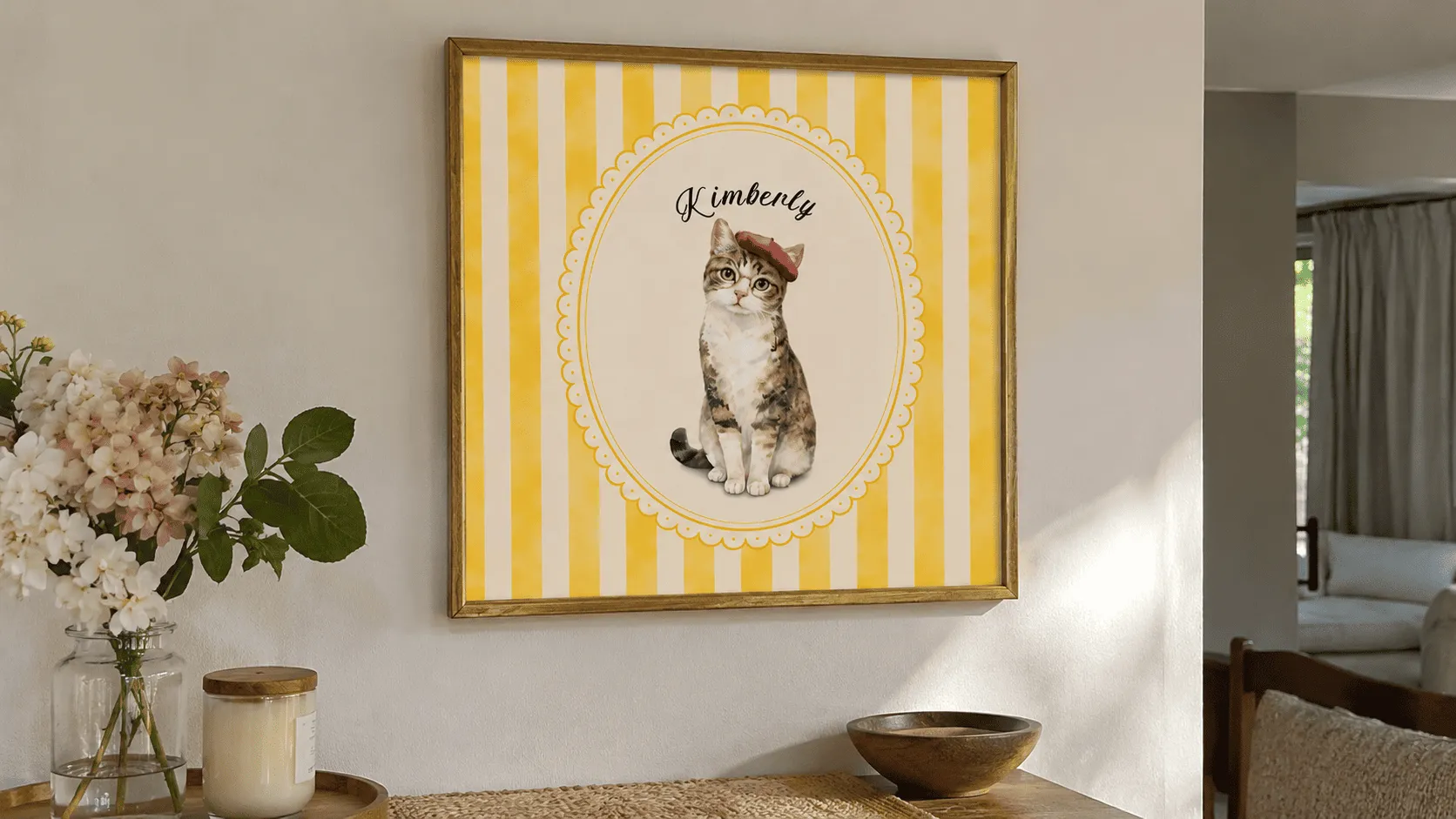
Bonus: swapping photos no longer reprocesses effects
On multi-photo products like collages, family blankets or multi-pet mugs, shoppers often rearrange their photos. Now, when a shopper swaps images that share the same effects, each image keeps the effects already applied to it:
- Faster swaps, because nothing gets processed again.
- No double charges, because paid effects aren't run twice.
- Consistent AI results, because the generated image stays exactly the same after a swap, so the shopper never loses the version they liked.
It works automatically, with no setup needed.
4. AI Text to Image
Cost: Paid per use through your own AI provider API key (Gemini, OpenAI or OpenRouter)
Best for: pre-designed products where the shopper only adds one detail, like their dog's breed, and AI generates the full design in your style. No photo needed
Text to Image doesn't need a photo at all. Instead of an upload field, the shopper sees a text box, types a description, and AI generates the image right on the product. The classic example: the shopper types their dog's breed and gets a full Renaissance-style royal portrait of a dog in armor, ready to print on a canvas or mug.
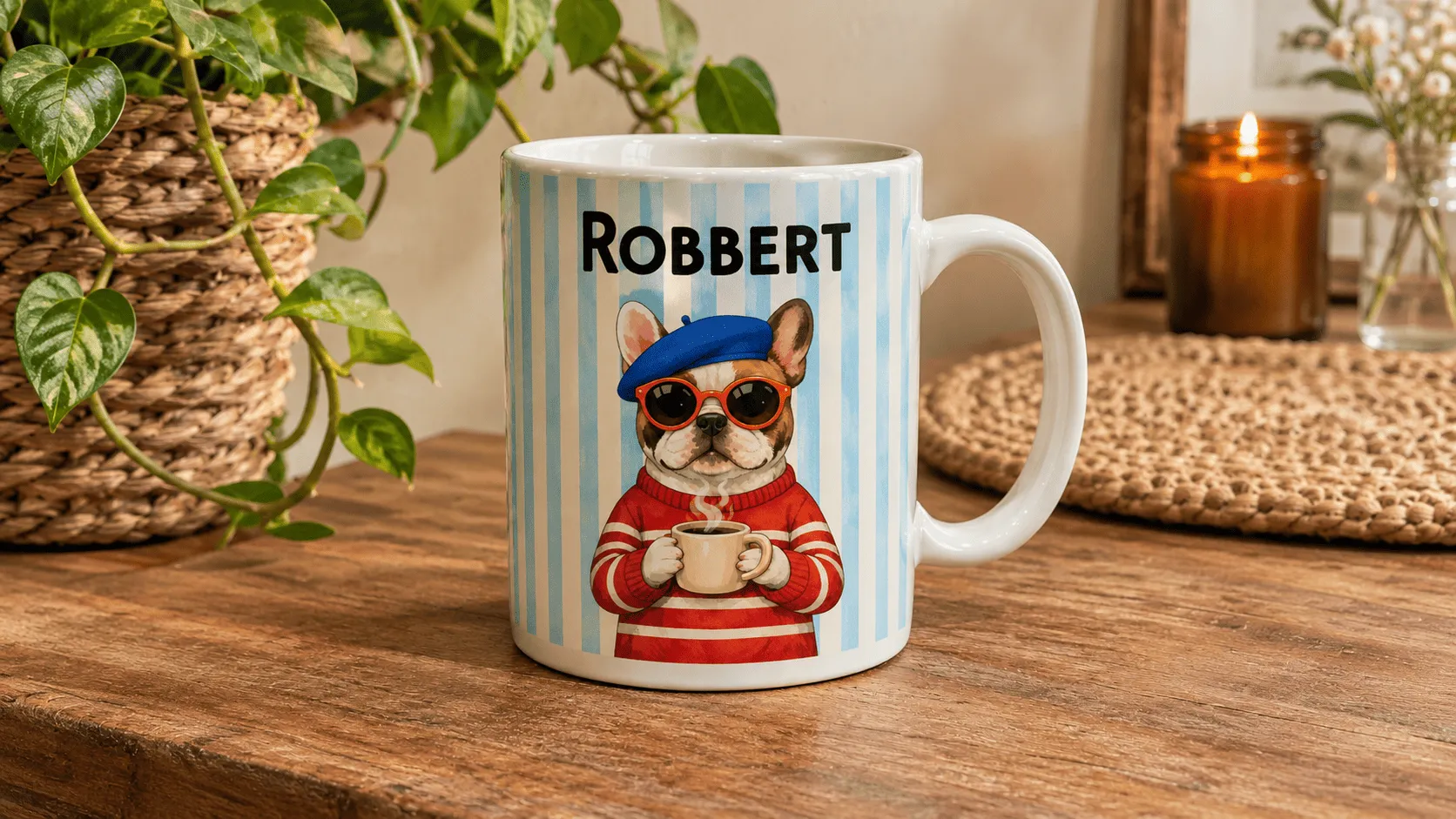
What's new: predefined prompts
Blank prompt boxes are hard. Before, shoppers had to write the whole prompt themselves, and results were unpredictable. Now you write the prompt and use {prompt} to mark where the shopper's input goes.
A renaissance-style portrait of a {prompt} wearing knight armor
The shopper only types "golden retriever". You control the style, so every result fits your product line, and the shopper gets a two-word experience instead of a blank page.
Ideas to try: "a {prompt} as a cozy Christmas ornament illustration", "a cartoon {prompt} playing soccer", "a vintage travel poster of {prompt}".
Need more inspiration? Get 10 ready-to-use prompts in Text to Image Prompts: 10 Personalized Product Ideas To Sell.
5. Free AI Effects
Cost: Free, built in, no API key.
Best for: vintage photo blankets, engraved items, sketch-style mugs and classic keepsakes
Not every product needs a full AI transformation. Sometimes a simple, reliable style is what sells. Customily includes five free style filters that apply instantly, with no generation costs:
- Watercolor Effect
- Pencil Drawing
- Edge
- Invert
- Sepia
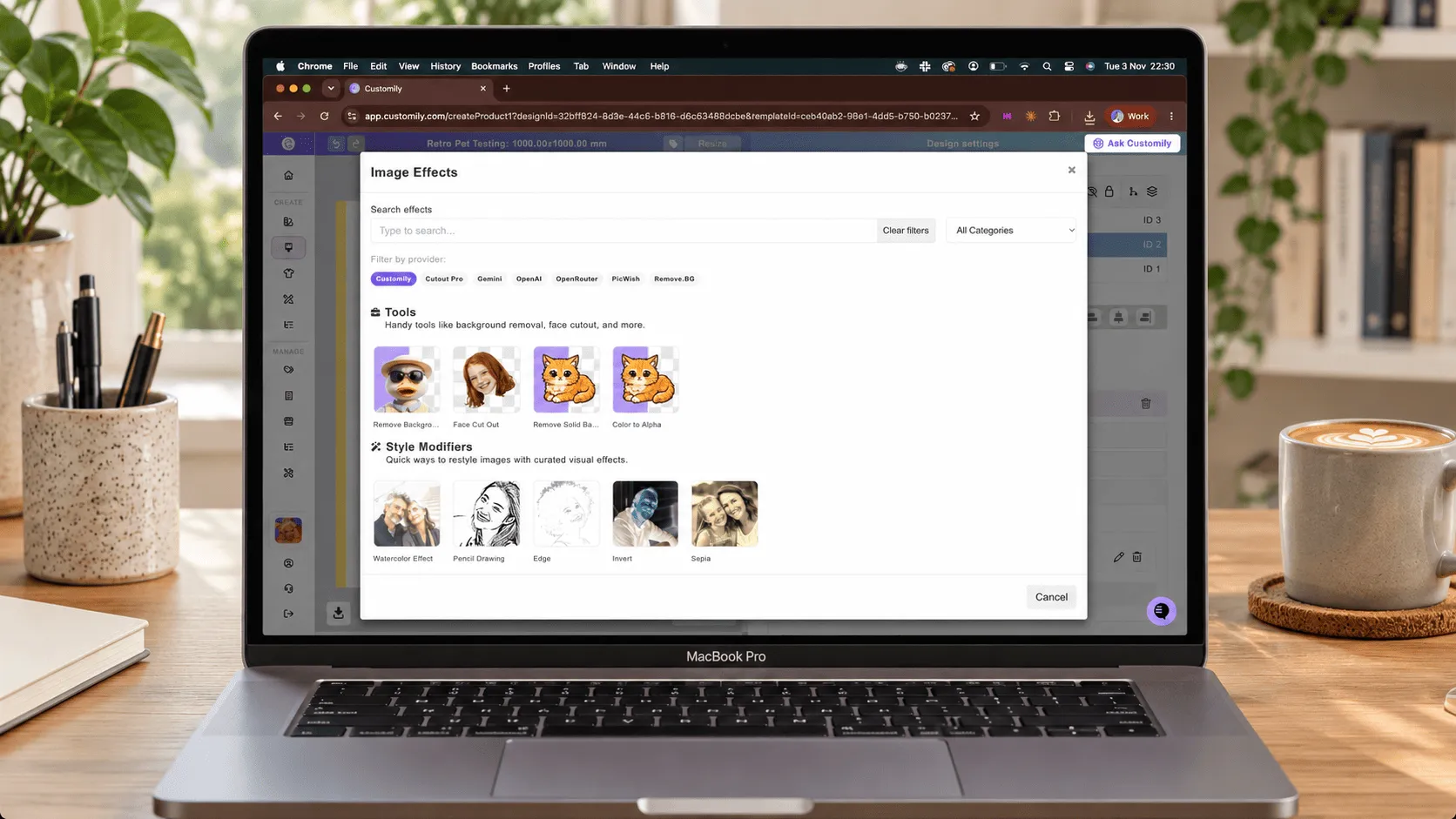
Plus two free utility tools that pair well with everything above: Remove Solid Background (turn a solid-color background transparent) and Color to Alpha (make one specific color transparent, with adjustable tolerance).
Pro tip: combine Pencil Drawing with single-color image tracing for engraving-style designs, or Watercolor with a heart mask for shaped portraits.
Browse every tool in one place on our effects and filters page.
Quick Setup Checklist Before Peak Season
Block 30 minutes this week and run through these:
- ☐ Re-test background removal on your dark and DTF products. Upload two or three real customer-style photos and check the edges on the print preview.
- ☐ Consider switching to the free remover. If you pay for Cutout.Pro or Remove.bg, compare results against the upgraded built-in option on your top sellers.
- ☐ Turn on Smart Face Placement on every face cutout template, and reset the initial area from eyebrows to chin.
- ☐ Enable the Customily fallback in Account > Integrations if you use any external provider.
- ☐ Switch Text to Image fields to predefined prompts with {prompt}, so shoppers type a few words instead of a full description.
- ☐ A/B two AI models on your best-selling AI product and keep the one that converts better.
- ☐ Place a test order on every product that uses effects and check the final print file.
One Platform. Every AI Tool. Zero Juggling.
Here's the thing about AI tools: on their own, they're just features. What turns them into sales is how well they work together.
Picture your best seller in December. A shopper uploads a blurry photo of their dog. The background disappears with clean, print-ready edges. The photo turns into a watercolor portrait. They swap in a second photo for the matching ornament, and nothing gets processed twice. The order comes in, the print file goes straight to your POD provider, and you never touch it.
Now picture that same order running through four different apps, with four logins, four subscriptions and four chances to break.
With Customily, every tool on this list lives in one app, connected to the same design templates. Build a template once, keep your whole catalog organized in one library, and sell it on Shopify, Etsy, WooCommerce and Amazon without rebuilding a thing. One app, one support team, and a built-in fallback for the days other providers don't show up.
Peak season won't wait for you to connect five tools. Your next best seller is one template away.
Frequently Asked Questions
What are the best AI tools to sell personalized products?
The five that matter most are an AI background remover, an AI face cutout, AI photo effects (photo to image), AI text to image and style filters. With Customily, all five run directly on your product page, and the background remover, face cutout and style filters are free.
Can I use these AI tools on Shopify, Etsy and Amazon?
Yes. They work on Shopify, Etsy, WooCommerce and Amazon, with automatic print files sent to connected POD providers.
Is Customily's background remover really free?
Yes. Remove Background by Customily is built in, free for all users and needs no API key. Cutout Pro and Remove.bg remain available as paid options through your own API key.
Does the background remover work for DTF and DTG printing?
Yes. The October 2026 upgrade removed the thin white border that could appear after background removal and improved edge smoothing. Both changes specifically improve results on UV, DTG and textile DTF prints.
Is face cutout free too?
Yes. Face Cutout by Customily is free and built in. Smart Face Placement works with both the free version and Cutout Pro.
What happens if Cutout.Pro or Remove.bg goes down?
If you enable the Customily fallback in Account > Integrations, Customily automatically processes the image with its own built-in effect at no extra cost, so shoppers can still complete their purchase.
Which AI providers can I use for AI effects?
Gemini (including Nano Banana), OpenAI and OpenRouter. You can choose the model within each provider and adjust settings like aspect ratio, resolution, quality and background. These require your own API key.
What's the difference between Photo to Image and Text to Image?
Photo to Image transforms a photo the shopper uploads. Text to Image generates an image from a text description, with no upload needed. With predefined prompts, you set the style and the shopper fills in just the key detail.
If a shopper swaps photos on a multi-upload product, are effects charged again?
No. Images that share the same effects keep what's already applied, so nothing is reprocessed and AI results stay exactly the same.